
Get started with AI Studio
You’ve opened AI Studio because there’s something you’d like the macro to do differently while it gathers. Maybe it grabs Melody when your buff is already high, or it walks too far for tokens that aren’t worth it. This guide takes you from a fresh window to your first rule in three clicks, and tells you the two things that trip up almost everyone on day one.
Two things to know first
Section titled “Two things to know first”You’re not starting from nothing. AI Studio opens with the same rules your macro already gathers with. The developers wrote them over years of honeymaking, like the one that stops the macro grabbing Melody while your Melody buff is above 30%. Anything you add sits on top of those.
Your changes only count once you click Save, and only on AI Gather fields. You can try things freely, because nothing reaches the macro until you save. And a field that’s still set to a regular pattern like Kettle or CornerXSnake, instead of AI Gather, ignores AI Studio completely. If a change ever seems to do nothing, check that first.
-
Open AI Studio.
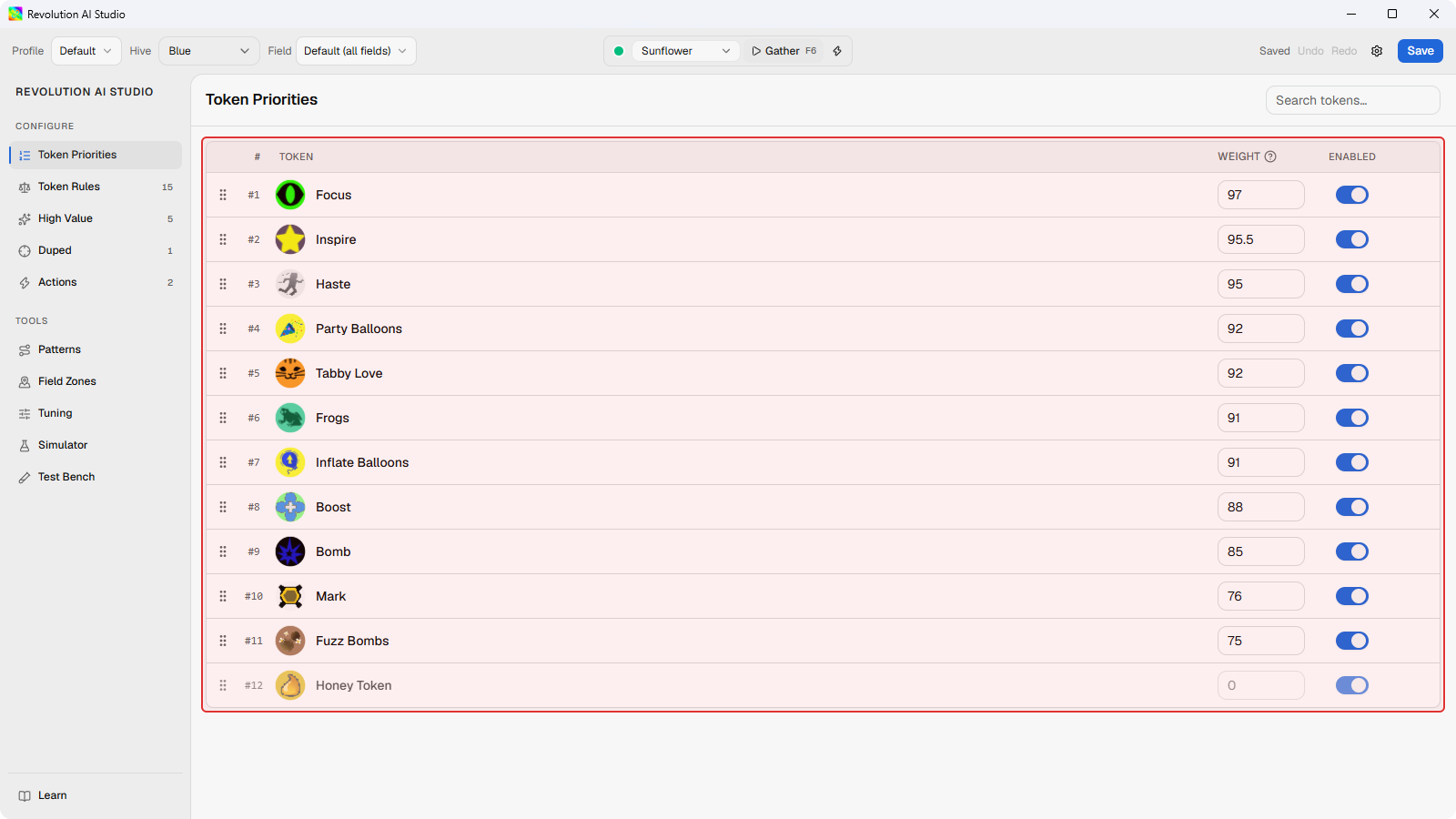
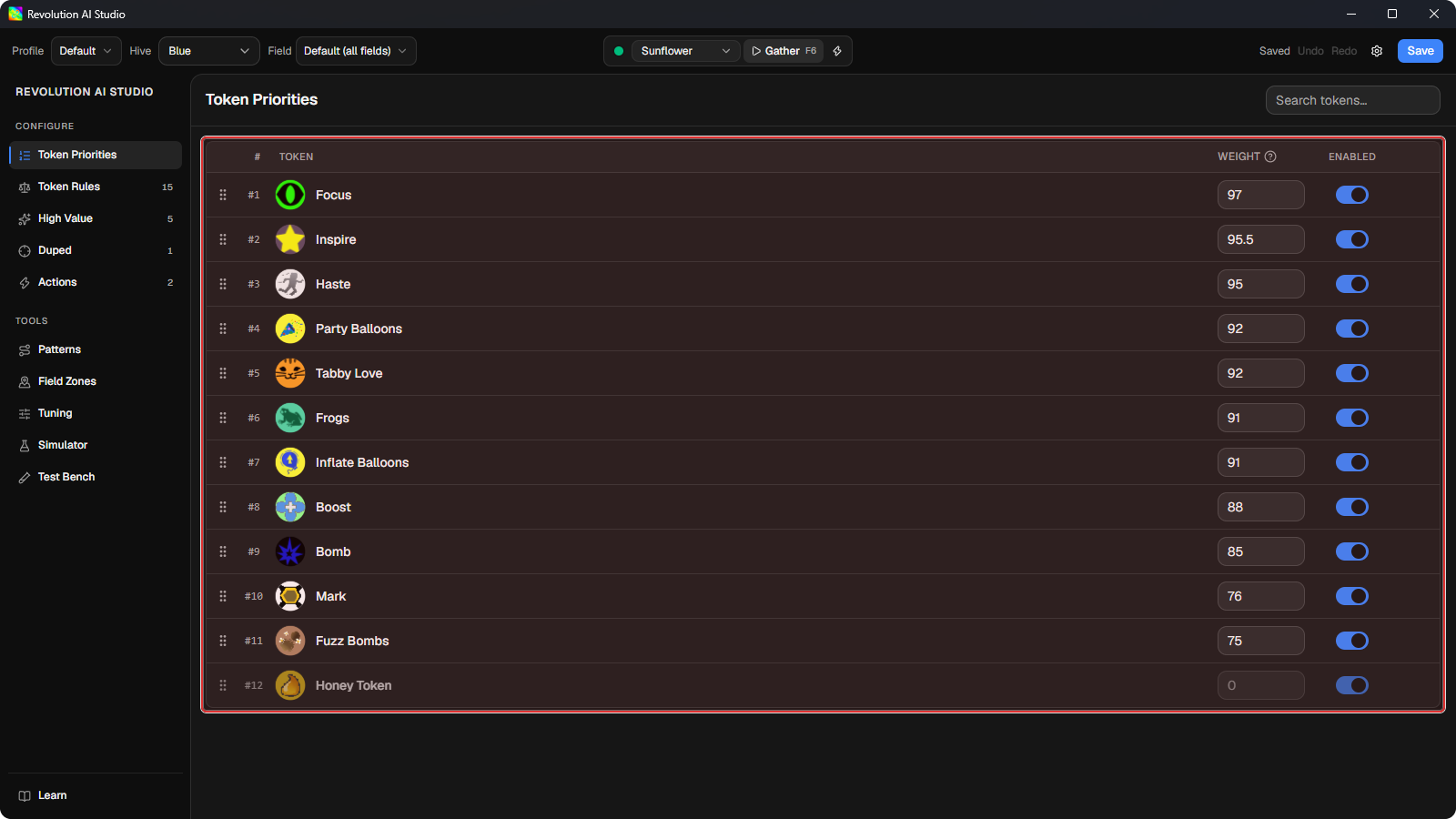
You’ll land on a list of every token with a number next to it. That number is where each token’s score starts. You don’t need to change anything here today.
-
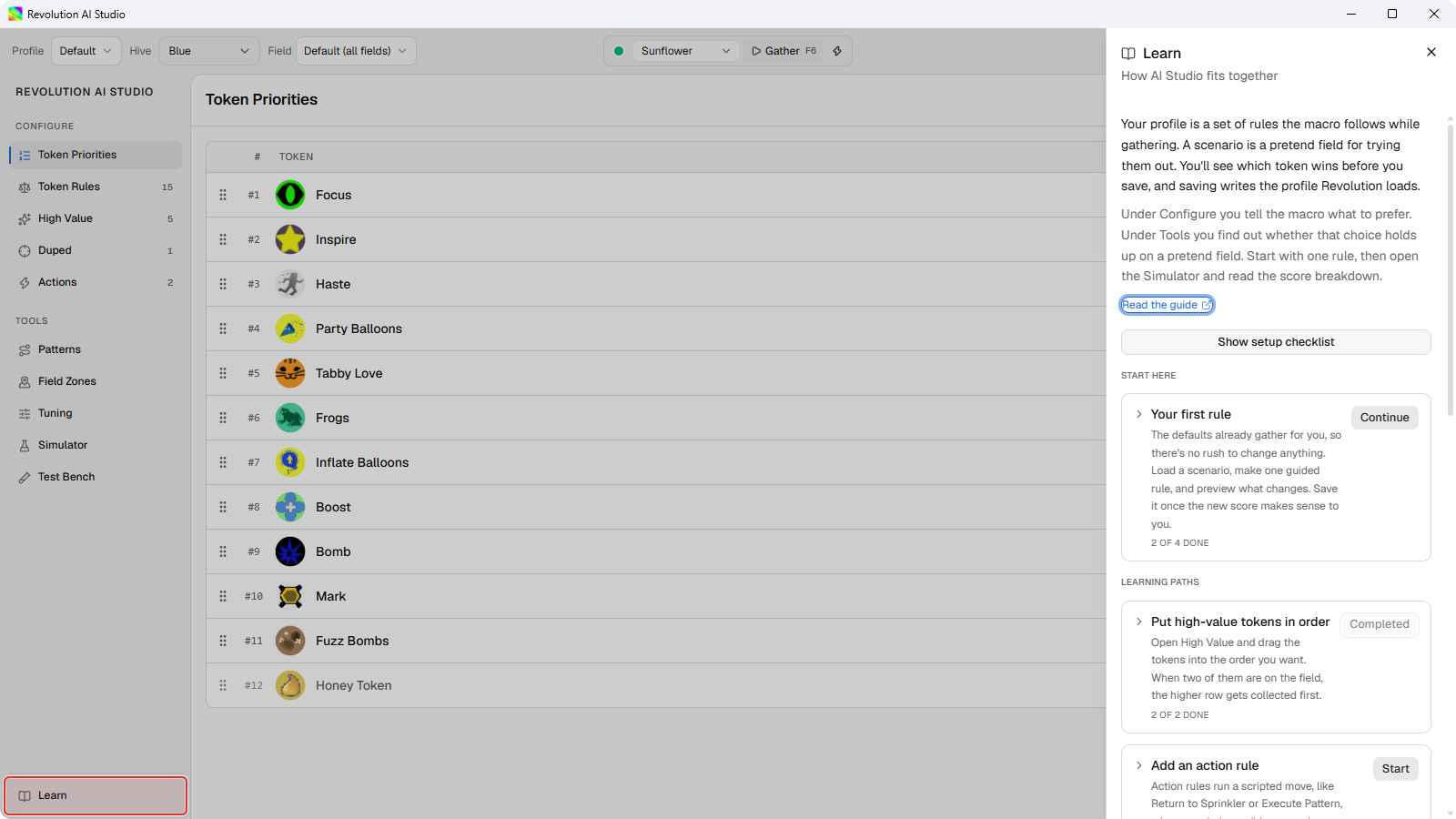
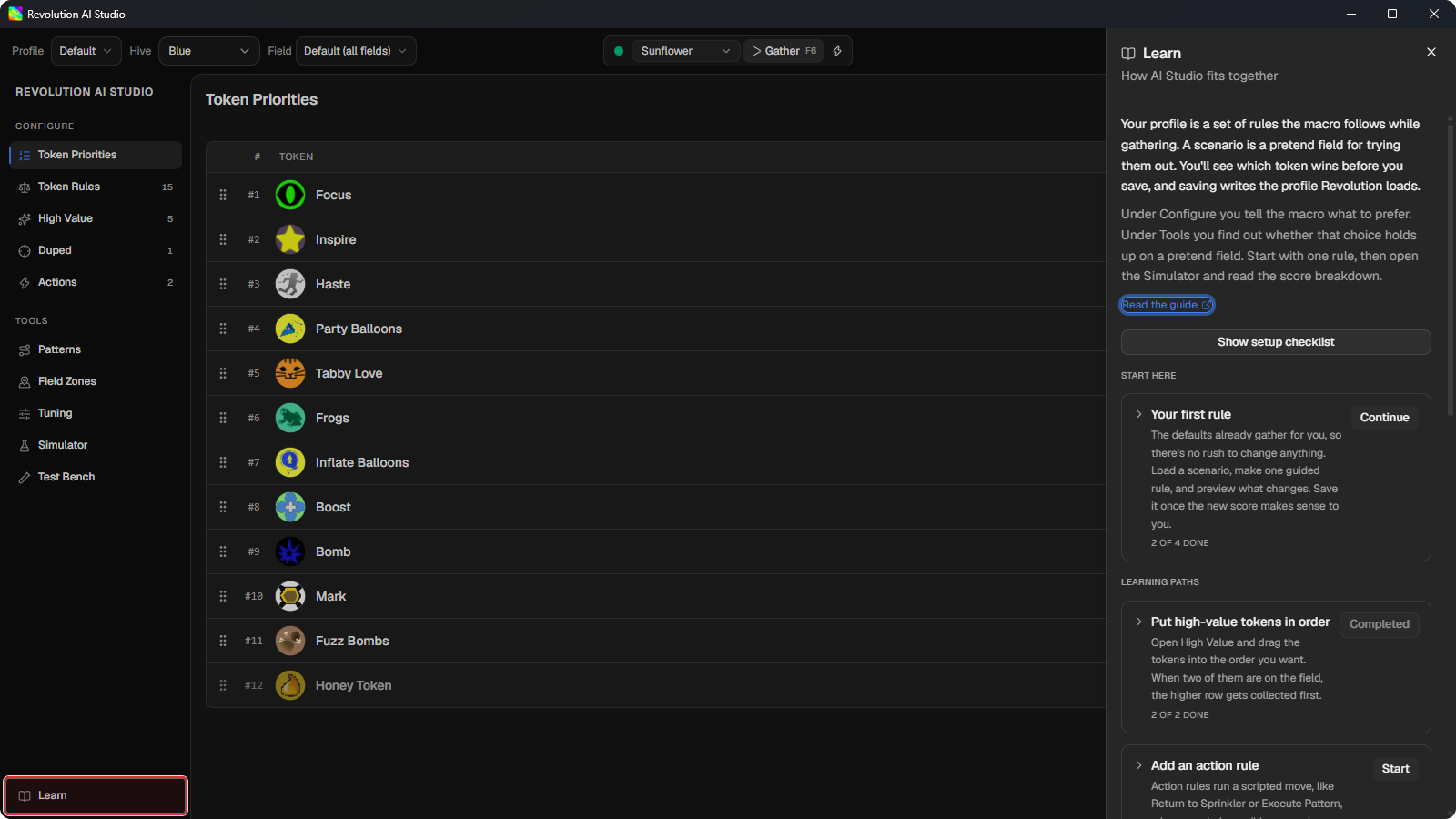
Click Learn in the menu on the left.
Learn is the set of guided walkthroughs built into AI Studio. It clicks through the app with you, one step at a time, so you don’t have to find anything yourself.
-
Under Start here, expand Your first rule and click Start.
Learn walks you through one rule that makes Melody worth more while your Melody buff is low, and shows you what it changes before you save. Your first movement rule tells you what to notice at each step, so keep it open beside the app.
If it doesn’t look like this
Section titled “If it doesn’t look like this”- The top of the window says
Standalone — start Revolution to connect automatically. That just means Revolution Macro isn’t running. You can still edit and save everything. - There’s a number next to the Save button instead of
Saved. One of your rules has a mistake. Click the number to jump to it, or see AI Studio problems.