
Pattern Maker Lua reference
Pattern Maker previews the Lua in a pattern, but it doesn’t run the full macro, so a call that works in a live gather can be ignored on the canvas without any error. This page lists which calls the preview draws, which it skips, and the limits it enforces. Check it before you hand-edit a route.
Preview support
Section titled “Preview support”You can find the source editor under Tools → Patterns after you open a pattern. Pattern Maker reads movement calls, supported control flow, and a few pattern properties to draw the preview and populate Output.
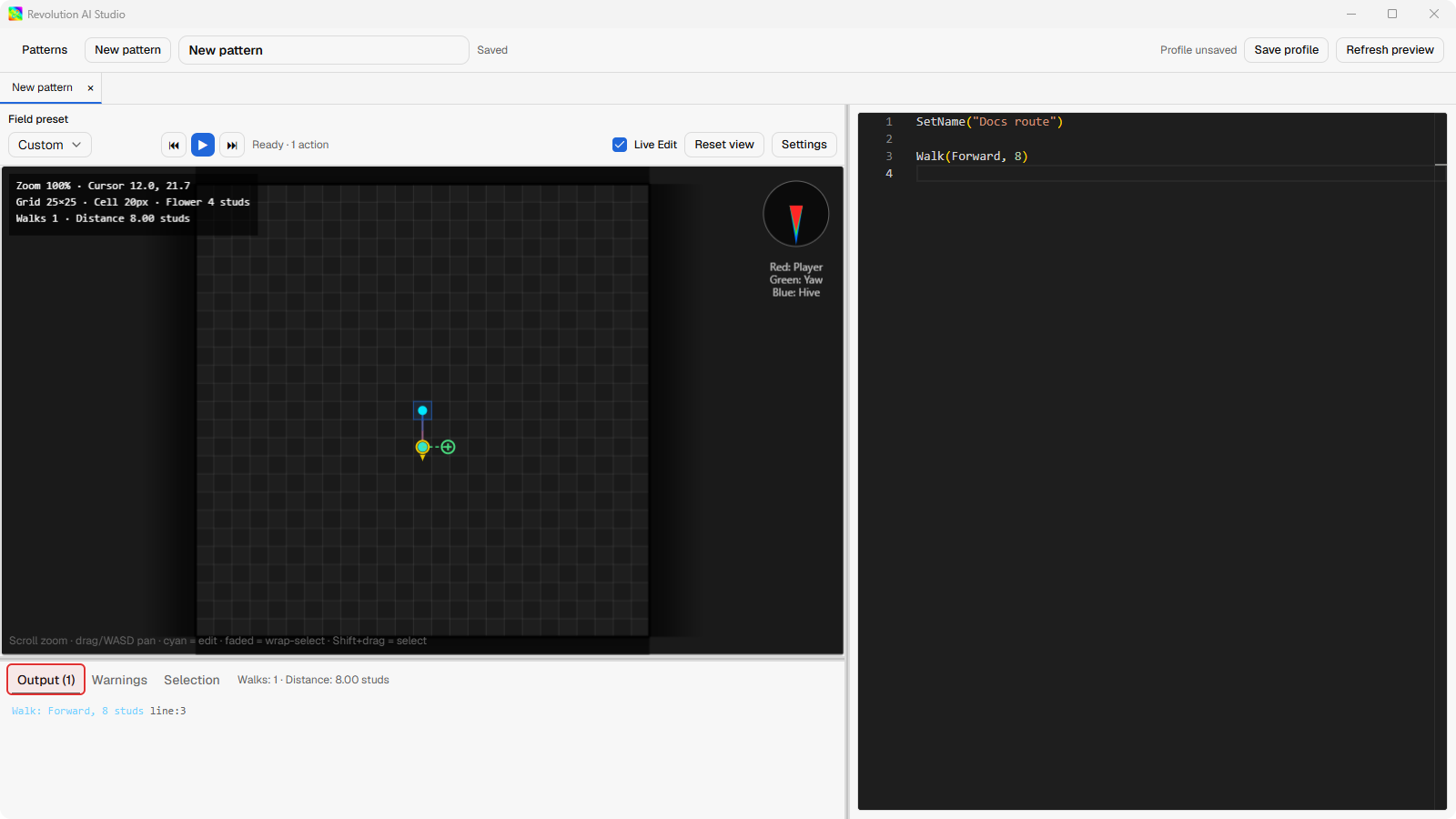
Movement and timing
Section titled “Movement and timing”| Call | Preview behavior |
|---|---|
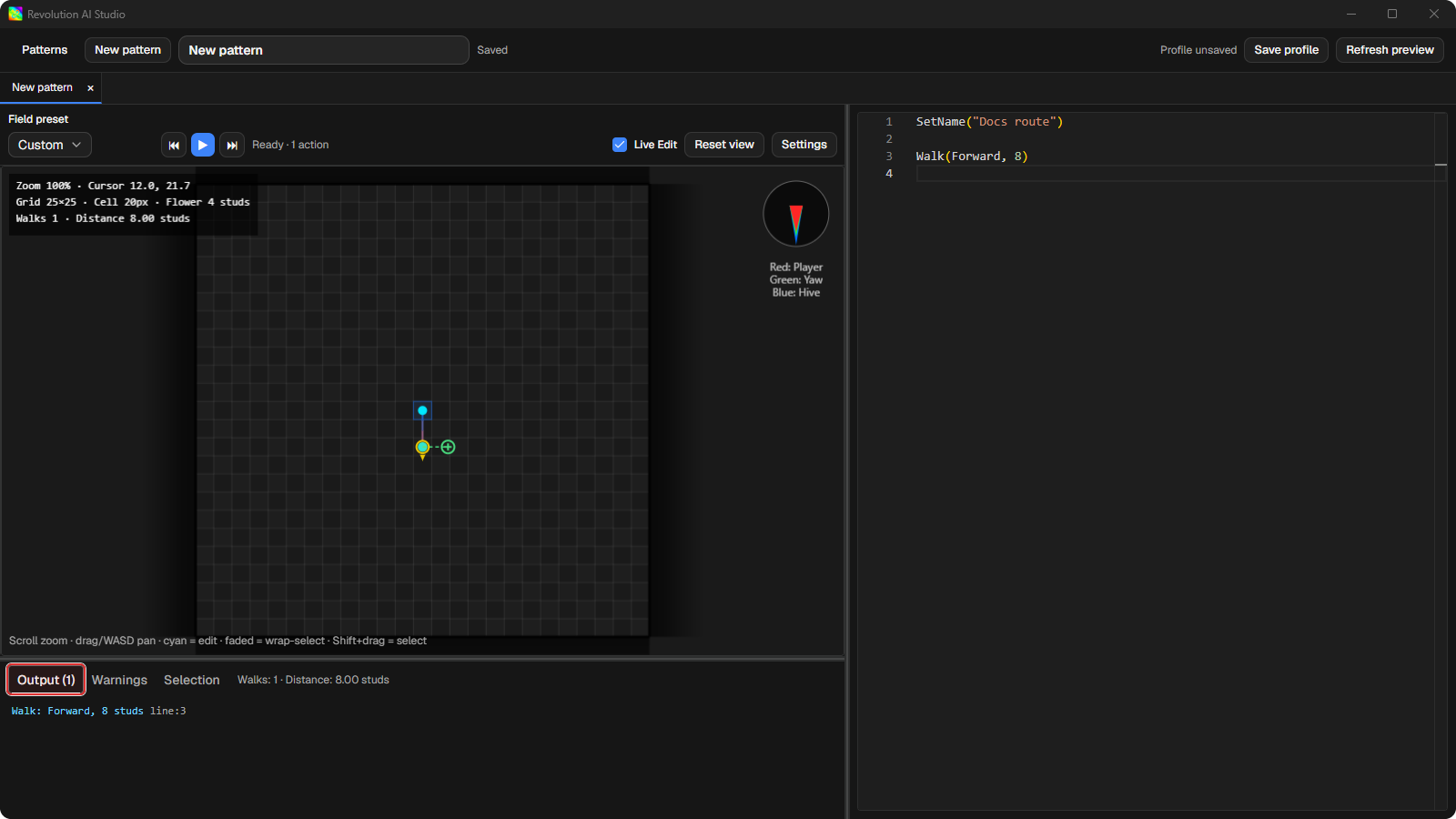
Walk(direction, studs) | Adds a movement. Use a cardinal direction or a literal table such as Walk({Forward, Right}, 8). |
WalkAsync(direction, studs) | Adds movement that runs alongside later preview actions. |
WalkAlign(direction, studs) | Adds an aligned movement. Pattern Maker supports its two-argument form. |
Sleep(milliseconds) | Adds a timed pause. The value is milliseconds. |
SleepStuds(studs) | Adds a pause measured in the route’s movement distance. |
SetYaw(0) through SetYaw(7) | Changes the preview’s facing by one of the eight camera directions. |
KeyDown(direction) and KeyUp(direction) | Holds or releases a cardinal movement key in the preview. |
Direction names are case-insensitive. Use Forward, Backward, Left, or
Right in source so the route remains easy to read.
Flow and values
Section titled “Flow and values”Pattern Maker supports local variables, user-defined functions, if, numeric
for, and while blocks. It evaluates the expressions it needs for those
blocks, then draws the actions that run.
These calls update the preview’s Pattern.* values: SetWidth, SetLength,
SetDistance, SetAlignment, and SetRepetitions. SetName identifies the
pattern in the library but does not add a movement.
local side = 8
for i = 1, 2 do  Walk(Forward, side)  Walk(Right, side)end
Calls that do not change the preview
Section titled “Calls that do not change the preview”Pattern Maker ignores calls that belong to the macro runtime rather than its
route preview. That includes Jump, KeyPress, SleepAlign, Status, Exit,
and most Set* metadata calls. break is also ignored. An unknown call can
leave the canvas looking valid even though it changes a full gather pattern.
Use Pattern API for Bee Swarm Simulator for the macro-runtime API. It is the right reference when the pattern runs from a Gather field card, not from an AI Studio action rule.
Limits and warnings
Section titled “Limits and warnings”Pattern Maker stops a route after 100,000 studs and shows Pattern stopped: exceeded 100,000 studs distance limit. It stops a preview that runs longer
than 10 seconds with Pattern execution timed out after 10s.
Loops are capped at the Pattern Maker preview limit. A capped loop shows Loop capped at 1000 iterations. Function calls stop at depth 256 and show
Function call depth exceeded 256 (recursion in "<name>").
What to do next
Section titled “What to do next”If you want to reshape a supported Walk visually, use the canvas instead of editing each number by hand.