
Interrupt rules
While gathering, the field you’re in keeps changing. New tokens spawn, and your position, buffs, and other factors shift scores. Interrupts are how the macro retargets to a better token or action when one becomes viable, and Interrupt rules are how you decide when that’s allowed. This guide covers writing one and testing it against a commitment in Simulator.
How this fits
Section titled “How this fits”An interrupt has a challenger and a commitment. The challenger is the new token or action that wants to take over. The commitment is the token move, return, wait, pattern, or waypoint walk the macro is already completing. AI Studio compares them in layers, because “may this replace what I’m doing?” and “which one is more important?” are different questions.
First, Cannot be interrupted protects a commitment for its entire run. Use it on an action that must finish every time it starts. No Interrupt rule can reopen that commitment. Next, Block interrupts rules decide whether a particular challenger is allowed to replace the current commitment. Use them when the answer depends on a condition, such as the action running, time elapsed, distance remaining, or how many times you’ve already been interrupted. Allow interrupts records that an interrupt may continue when no Block matches. It never overrides a matching Block, so a broad Allow can’t silently turn off a protection you wrote elsewhere. To make an exception, narrow the Block’s conditions.
After the rules allow an interrupt, tiers decide who outranks whom. High Value
tokens use their own tier, and their list order breaks a tie between two of
them. Between two ordinary tokens, the default int-ordinary-margin rule
requires the challenger to score ×1.5 higher, so a small score change doesn’t
keep pulling the macro away from the token it already chose.
Write a Block interrupts rule
Section titled “Write a Block interrupts rule”Say the macro is returning to the sprinkler and you want only Token Link to be able to break that return.
-
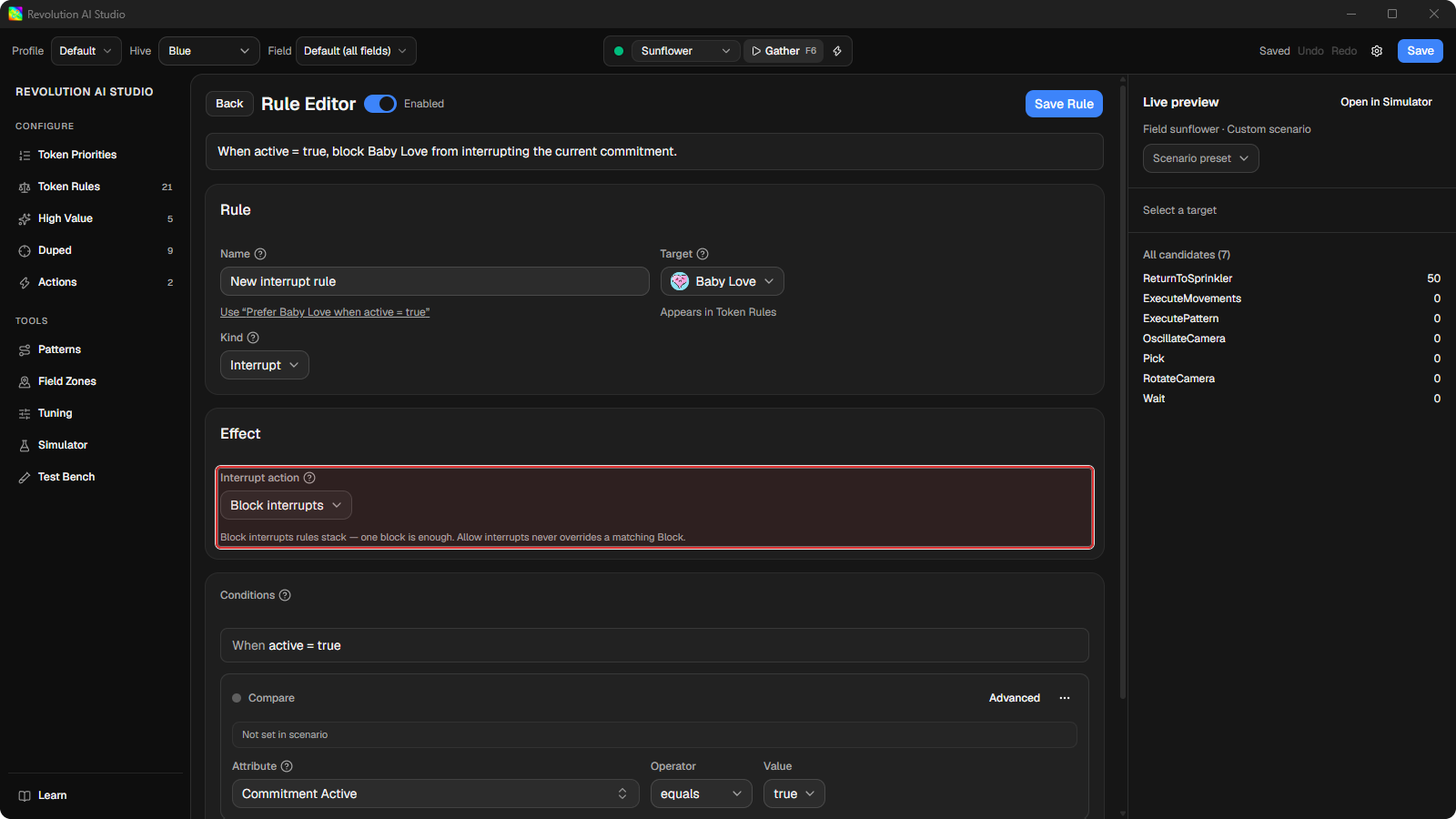
Open Configure → Token Rules and click New rule.
Use Token Rules when the challenger is a token. Use Configure → Actions when the challenger is a scripted movement.
-
Set Kind to Interrupt.
Target starts as
*, which matches any challenger. Keep it for this example.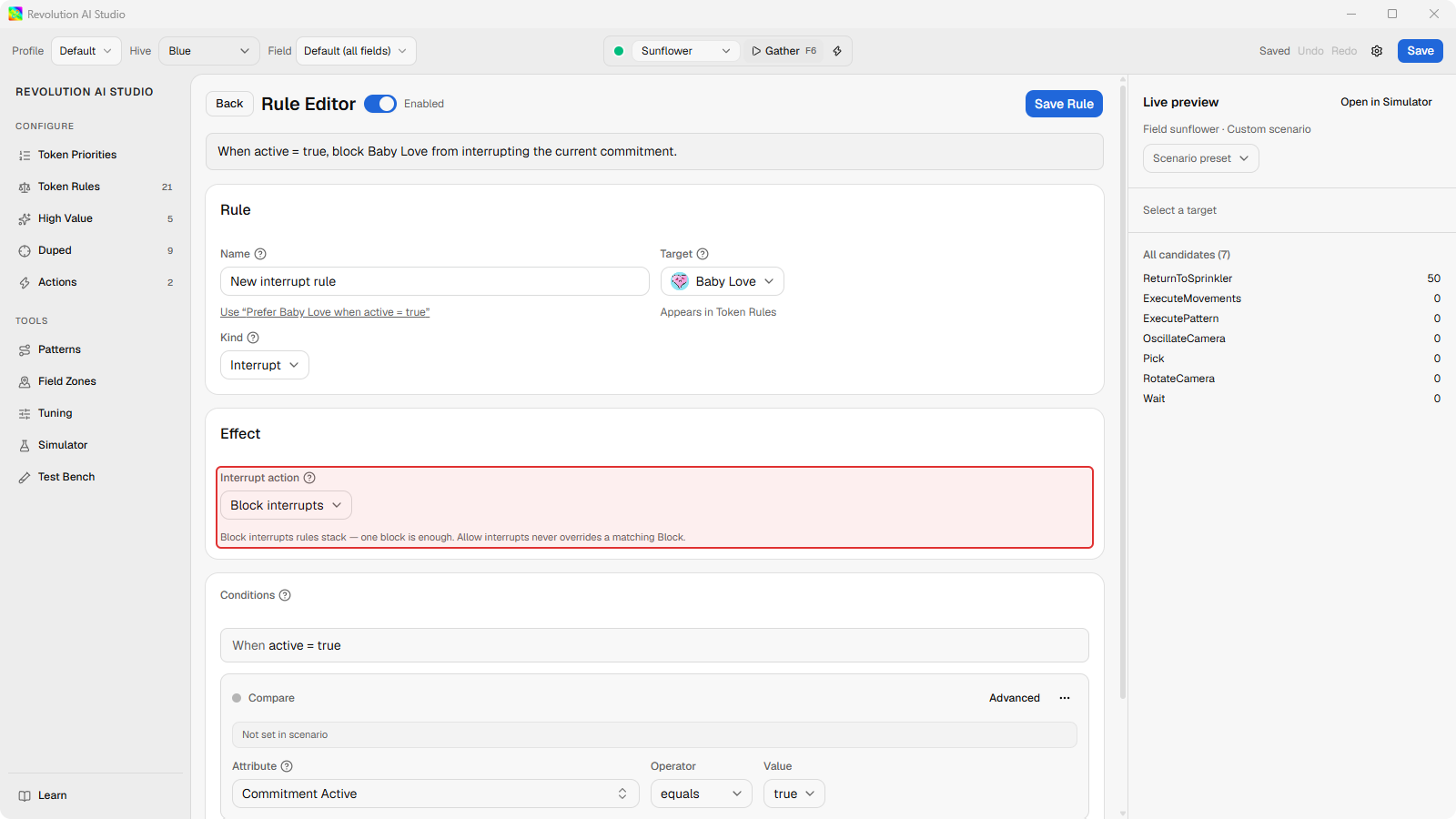
-
Under Interrupt action, choose Block interrupts. Then add two conditions from Current Commitment: Committed Action is Return to Sprinkler, and the challenger is not Token Link.
A newly seen Melody matches that rule, so the return continues. Token Link doesn’t match the Block, so it goes on to the remaining checks. It still has to outrank the return under the tier rules. The Block only decides whether it may ask to take over in the first place.
-
Click Save Rule, then Save in the file bar.
Test it against a commitment
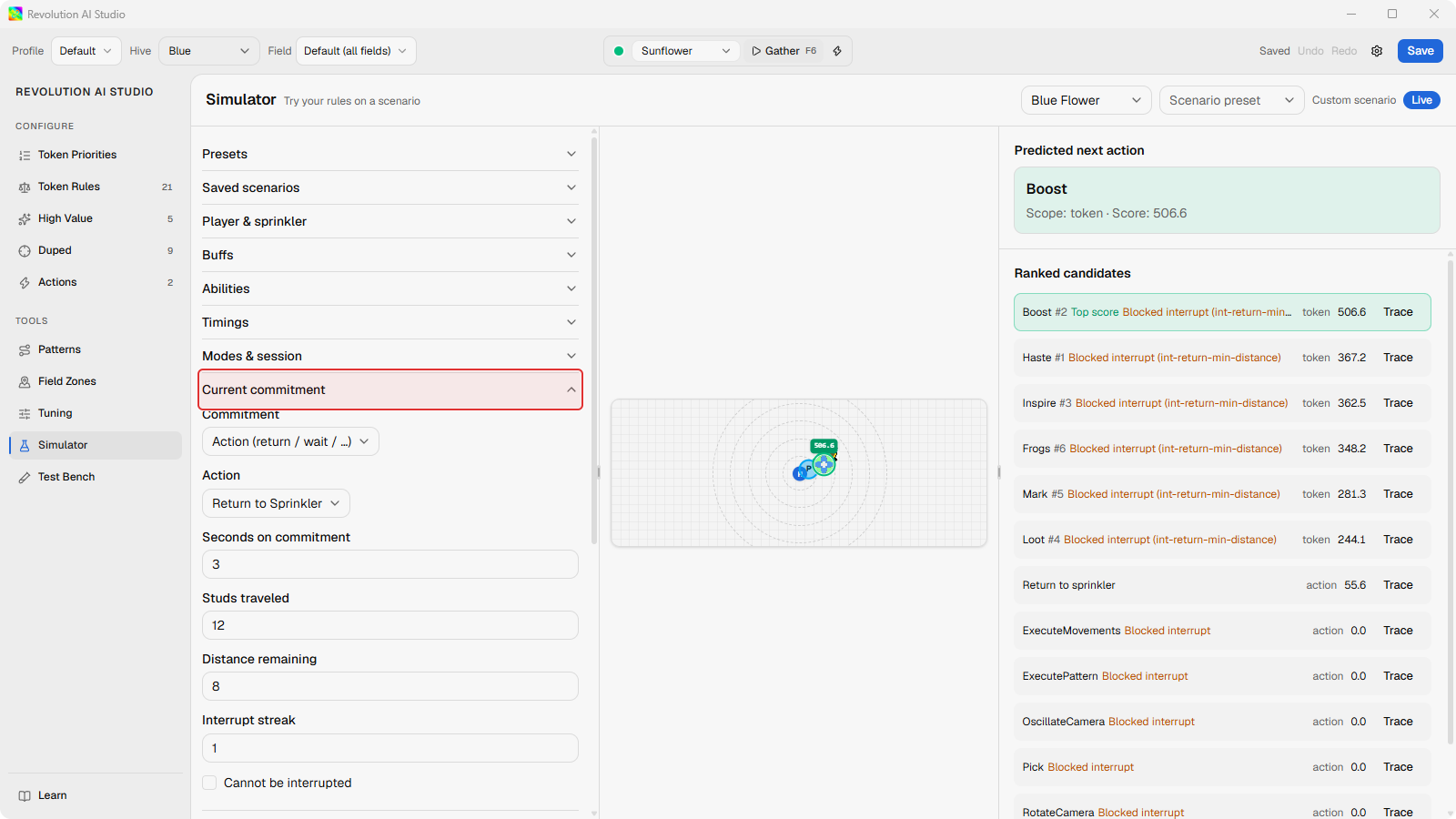
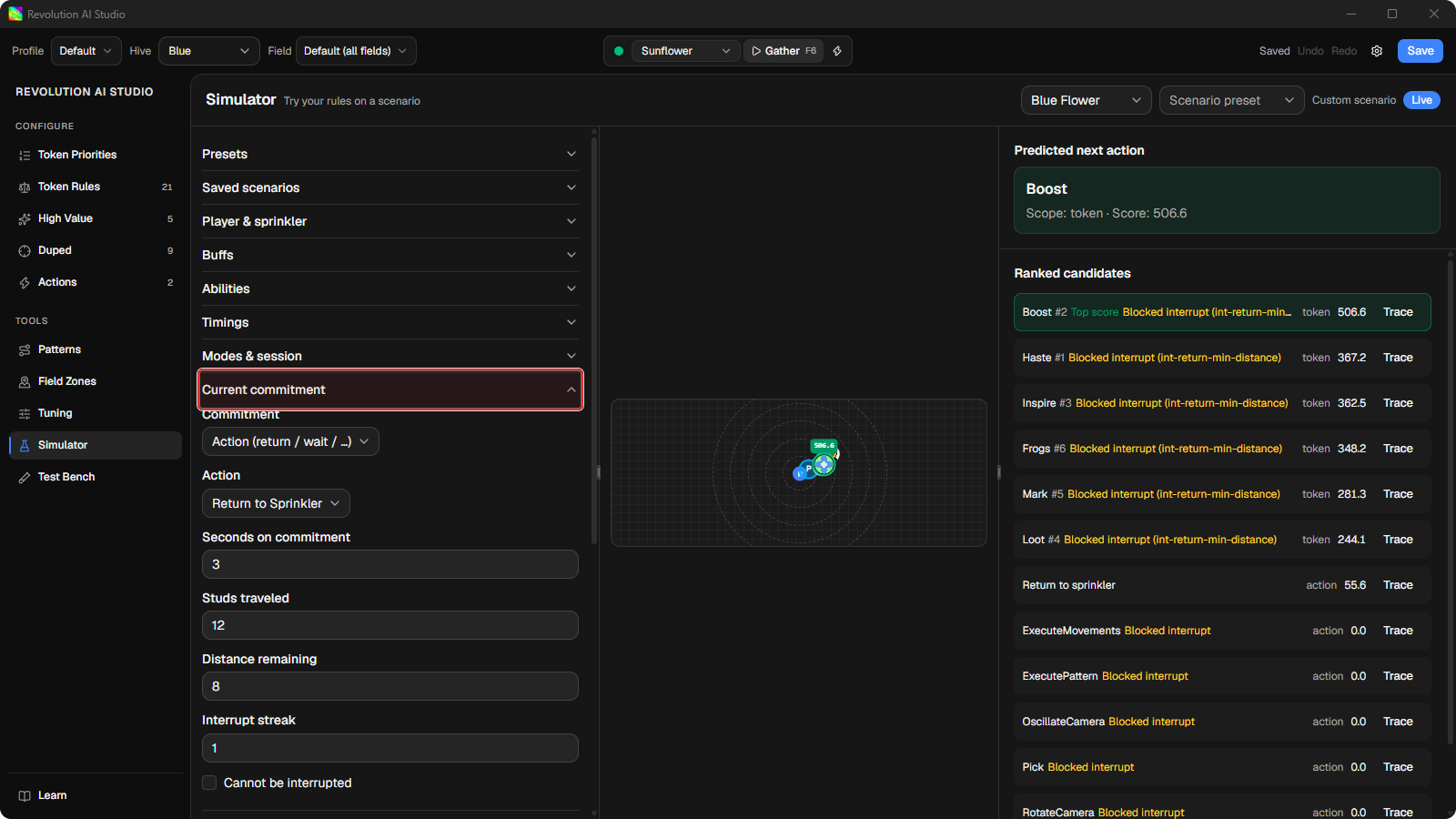
Section titled “Test it against a commitment”Open Tools → Simulator. In the Scenario panel, expand Current commitment, set it to the Return to Sprinkler action, and add a Token Link and a Melody to the field. In the ranked list, AI Studio shows whether each candidate was blocked, the rule that decided it, and every matching lock. You can check the condition you wrote before you change anything else.
Protect an action outright
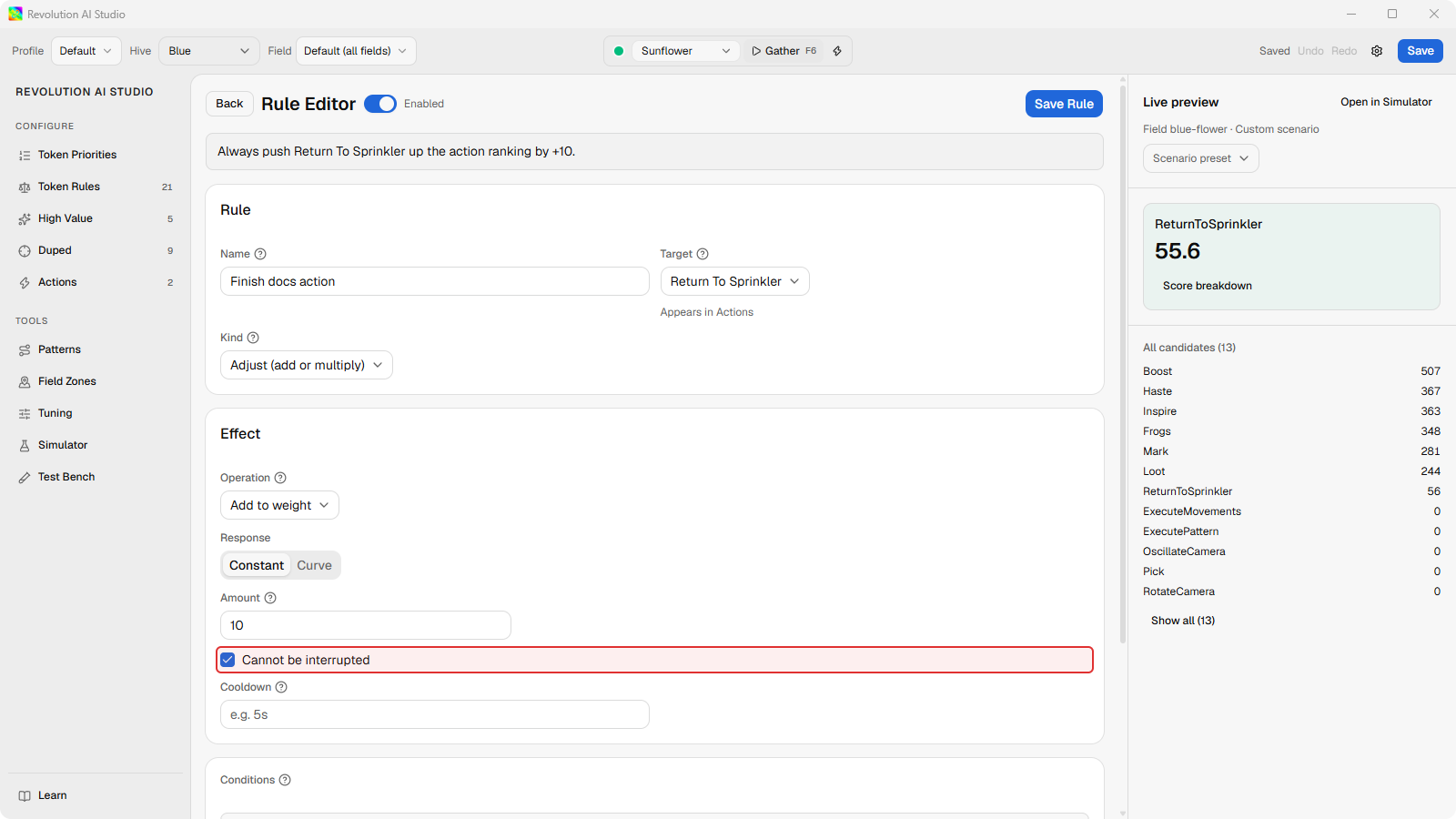
Section titled “Protect an action outright”For an action that must always finish, open its rule under Configure → Actions and select Cannot be interrupted. It’s available for Return to Sprinkler, Wait, and Execute Movements. Execute Pattern always runs to the end and has no such checkbox.
The shipped rules
Section titled “The shipped rules”Your profile comes with a few Interrupt rules, including int-ordinary-margin.
If you want one of them out of the way, disable it rather than deleting it. A
deleted shipped rule comes back the next time the profile loads, which reads as
“my edit didn’t stick”. A disabled one stays disabled.
If something’s off
Section titled “If something’s off”- An Allow rule does nothing. Allow never overrides a matching Block. Narrow the Block’s conditions instead.
- The editor warns the rule blocks every challenger. Its conditions match everything. Add a real condition, or use Cannot be interrupted if you want unconditional protection.
- The rule won’t save. An Interrupt rule needs at least one real condition, and Target must be a token class, an action, or
*.