
About AI Studio
Traditional patterns like Bowl, Kettle, and Skillet have been the meta for years, but their movements are highly optimistic about the spawning and position of tokens, and they aren’t reactive to changes in abilities or buffs like the Pop Star or Tide Surge. AI Gather is different - it detects where tokens are physically on a field to then score and collect them. AI Studio is where you build the profile that scores them.
AI Gather is a framework, and your profile drives it
Section titled “AI Gather is a framework, and your profile drives it”The system is responsible for the detection of tokens and aggregation of buffs, abilities, and other data, while allowing you to customize which token or action is chosen at any given moment - just like you would playing manually. Think of it this way: AI Gather isn’t just another ‘pattern’ that runs fixed movements, but rather a framework that collects data and dynamically chooses what actions to take based on that data.
This powerful paradigm allows you to avoid needing to learn how to program and code your own custom patterns, while allowing you to easily develop and iterate a custom movement algorithm that concentrates your skill as an expert Bee Swarm player. AI Gather is driven fully by the scoring system in AI Studio.
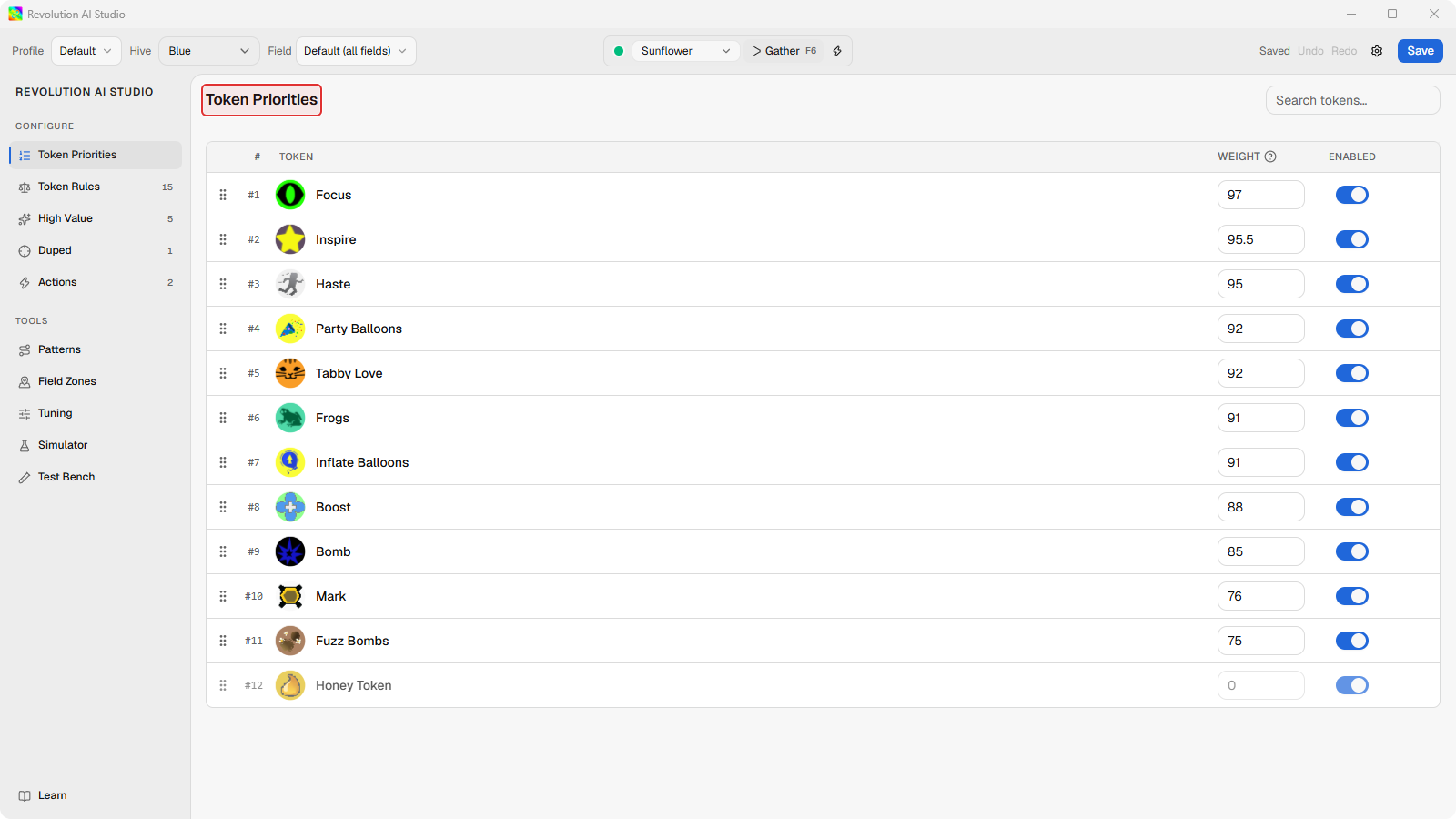
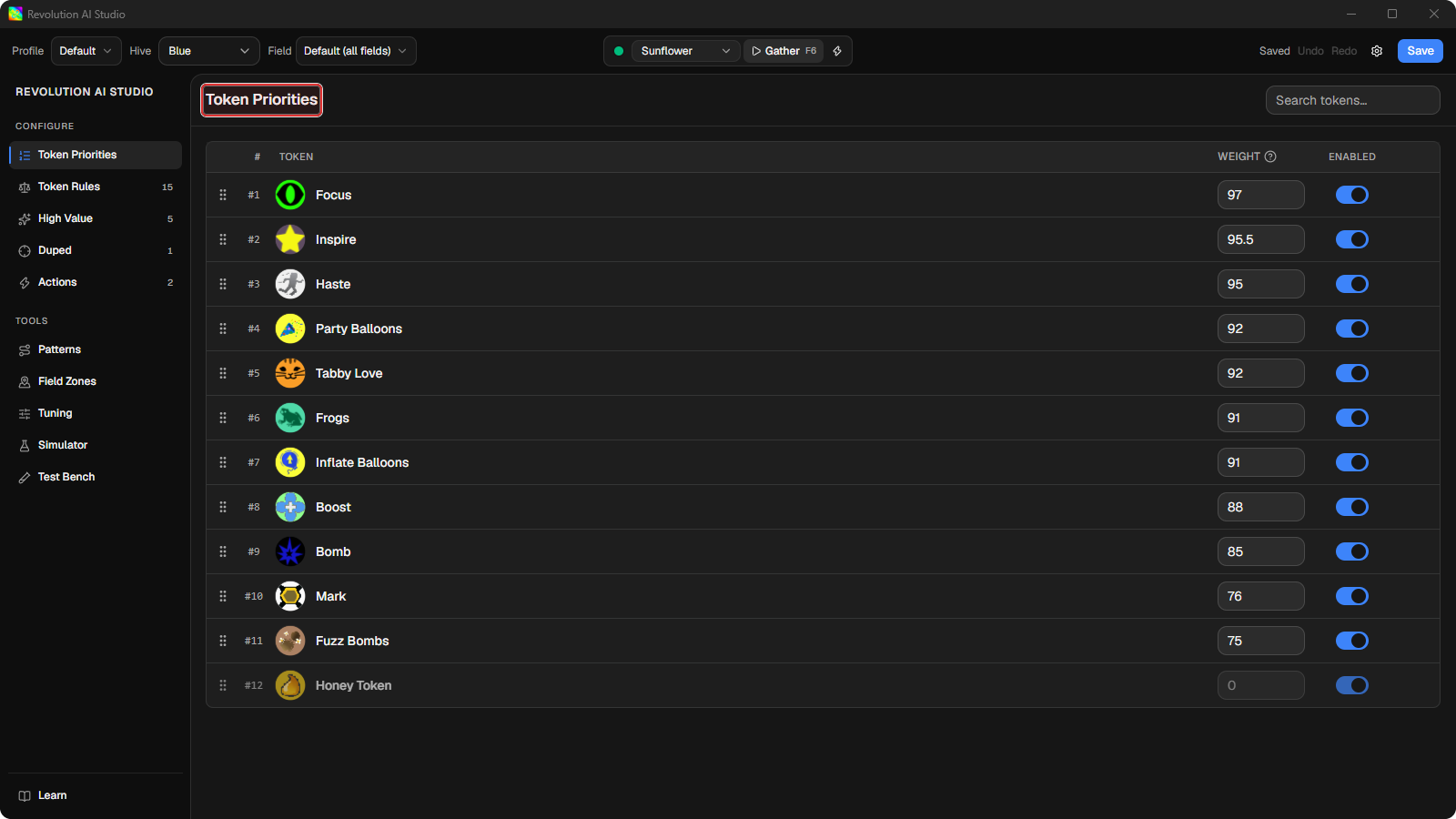
The default profiles are already a strategy
Section titled “The default profiles are already a strategy”The default profiles are the strategies that used to live inside the macro’s hard-coded scoring, refined by the developers over years of honeymaking - now written out as rules, curves, and actions you can read. The Melody and Baby Love buff gates, the Boost behavior around Pop Star, and the camera rotation and pattern actions all ship in the defaults because of how much they matter to honeymaking. If you never open AI Studio, you are already gathering with them.
That makes the audience simple: the defaults are tuned for players who want strong honeymaking without building a profile first. Customize when you can point at a specific decision you want changed - a token the macro keeps skipping, a buff being wasted, a corner it should avoid. If you can’t name the bad pick you’re fixing, leave the defaults alone. Stacking speculative edits on top of a tuned profile usually costs more honey than it earns.
Why AI Studio is a separate app
Section titled “Why AI Studio is a separate app”Revolution AI Gather is a complex system with multiple layers that allow you to control how tokens and actions are scored. Before AI Studio owned scoring, Revolution Macro only let you change base token weights in an older AI Gather Priority tab. While that system did allow you to disable or prioritize tokens, many of the buff-specific rules were hardcoded - and the algorithm was much more of a black box than it is now.
Now with AI Studio, you have full visibility and control over that algorithm. You have full access to all of the data, including detected tokens and buffs, to develop your own custom scoring system. You also have a comprehensive suite of tools to test your rules both live and through simulations.
AI Studio is designed to be separate from Revolution Macro so that you can build and prove your own profiles as a full-featured IDE (interactive development environment), while keeping that complexity out of the macro itself - making it easy for you and players that use your profiles to macro with them.
Where to start
Section titled “Where to start”Start by watching, not editing. Set one field to AI Gather, run a gather from AI Studio, and replay it in Test Bench until you find one decision you’d have made differently. Watch a gather and find one thing to change walks you through it, and it gives you your own example to carry into every page after this one.
Once you can name that decision, open Sidebar → Learn and start Your first rule. AI Studio loads a scenario, walks you through one guided rule, and shows the effect in Live Preview before you save anything. When Revolution Macro is linked, Save writes the profile and the macro reloads it while gathering.
What this is not
Section titled “What this is not”A movement profile decides what to do with the tokens the macro can see - it doesn’t change what the macro sees or when it gathers. Don’t try to make a profile:
- Fix detection problems. A profile scores candidates from the token graph; if vision never saw a token, no rule, zone, or curve can recover it. Missed tokens on screen are a detection problem, and the fix lives in Detection problems, not in your rules.
- Decide which fields to farm or when. Field selection, session scheduling, quests, and planters are macro configuration. A profile only shapes behavior inside a field once the macro is gathering there.
- Guarantee that a specific token is always collected. Scoring is ranking under real constraints - distance, expiry, competing candidates. Even a heavily favored token loses sometimes, and that’s the system working, not failing.
- Encode a full hive strategy. Buff gates and boost rules shape moment-to-moment picks; they can’t sequence a build, manage inventory, or replace the macro’s higher-level automation.
AI Studio is the workshop, not the machine
Section titled “AI Studio is the workshop, not the machine”Everything that touches Roblox belongs to Revolution Macro:
- Capture and inference. The macro owns the screen capture, the token models, and the token graph. AI Studio consumes that data in the Simulator and Test Bench; it never reads your game directly.
- Live gathering. Starting a gather session, Live Apply, and anything that moves your character requires a linked, running macro. In standalone mode AI Studio is a full editor - you can build, simulate, and save profiles - but nothing reaches the game until the macro is connected.
- Gather access. The linked macro decides whether the selected gather mode can start and shows any Revolution Pro requirement at session start. Editing profiles in AI Studio stays free regardless; the check happens on the macro side.
- Installation and setup. Installing Revolution, launching Roblox, and macro configuration all live in the macro’s own docs. If the macro isn’t set up, AI Studio has nothing to drive.
For saving and linking details, see Save and sync a movement profile and Link a movement profile to Revolution.