
Set up bug runs in Bee Swarm Simulator
Bug Runs are an essential way to obtain mats in Bee Swarm Simulator. Revolution Macro can automatically walk to fields where bugs spawn and kill them as soon as they are ready for a respawn.
Before you start
Section titled “Before you start”- You can find Bug Run under Collect → Bug Run. It schedules field bugs (Ladybug, Rhino Beetle, Mantis, Spider, Scorpion, Werewolf).
-
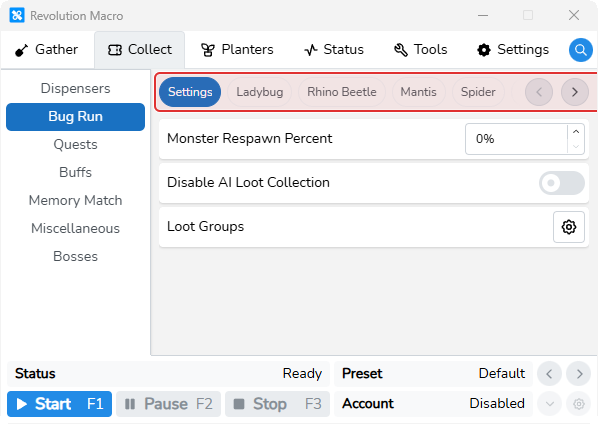
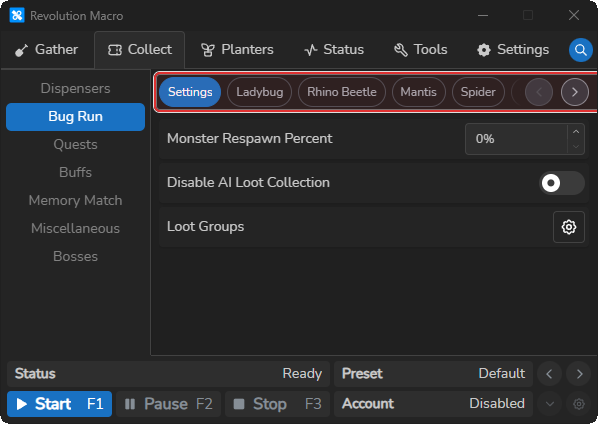
Open Collect → Bug Run. Module tabs show Settings, Ladybug, Rhino Beetle, Mantis, Spider, Scorpion, and Werewolf.
-
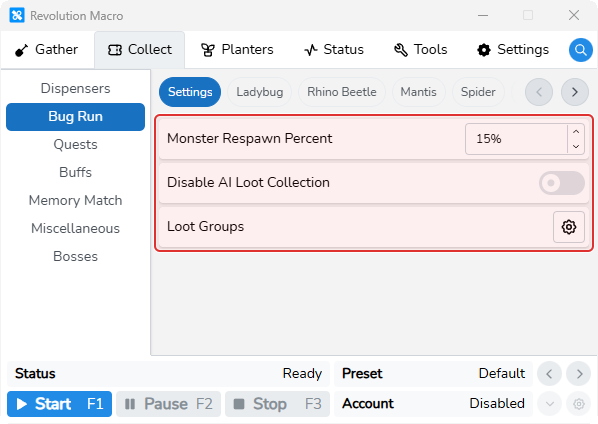
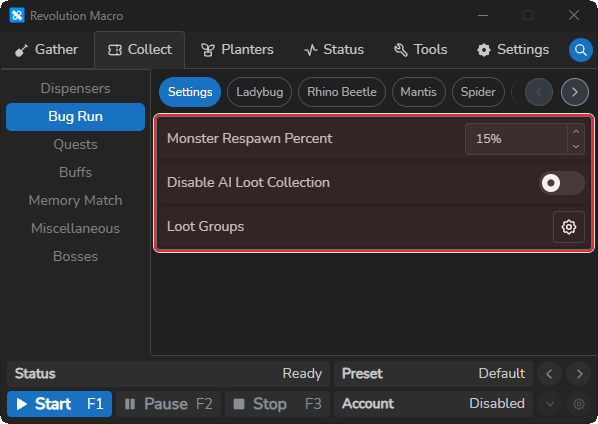
Open the Settings tab. Set Monster Respawn Percent to about 15 if Gifted Vicious is your only Monster Respawn source.
-
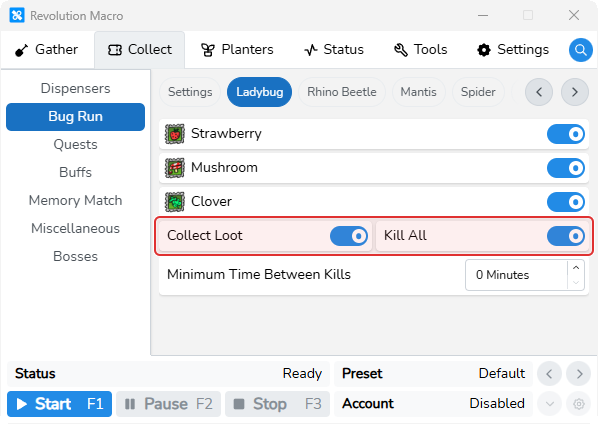
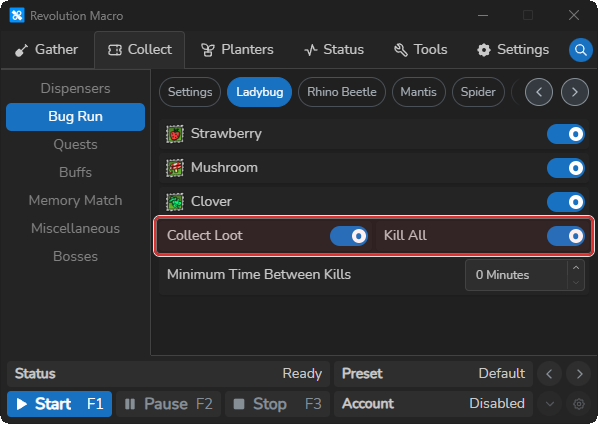
Open a bug tab (for example Ladybug). Turn on the field switches you want, or turn on Kill All to enable every listed field for that bug.
-
Keep Collect Loot on so the macro picks up bug drops. Leave Minimum Time Between Kills at 0 unless you need an extra cooldown.
-
Start the macro. Status can show
Killing Bug: …when a field is ready for a kill. Success logs can showBug Killed: ….
AI Bug Run
Section titled “AI Bug Run”When you kill a bug, it drops loot tokens where it died. Walking a pattern to pick them up is slow and easy to miss. AI Bug Run walks directly to those tokens after each kill in the fields you enabled. You can choose which loot classes it collects under Collect → Bug Run → Settings.
-
Open Collect → Bug Run → Settings. Keep Disable AI Loot Collection off so the macro collects loot after each kill.
-
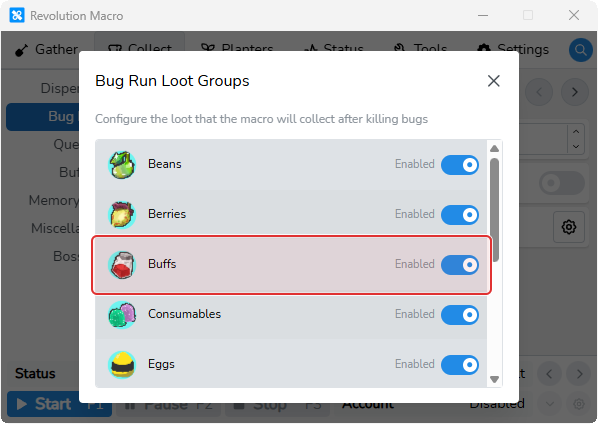
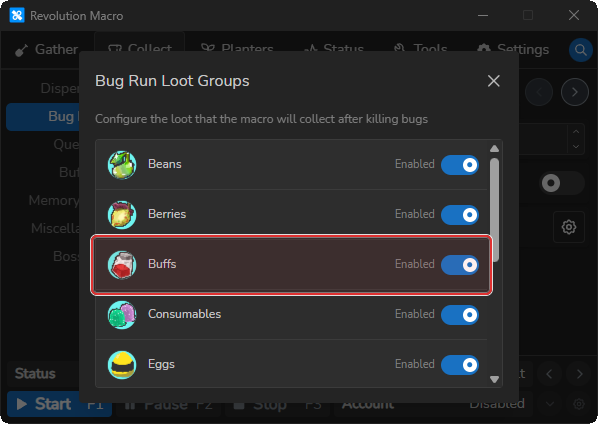
Click the Loot Groups gear. Turn Off any loot classes you do not want AI to pick up after kills.
-
If the Loot Groups gear is disabled, turn off Gather → AI Gather → Settings → Eco Mode, then open Loot Groups again.
Disable AI Loot Collection
Section titled “Disable AI Loot Collection”When off (default), the macro collects loot with AI after each kill. Turn it on only if you want kills without AI loot collection. Without AI, loot collection may not be as fast or as accurate.
Loot Groups
Section titled “Loot Groups”Choose which loot classes AI collects after bug kills. Groups left on are collected, while groups you turn off are skipped.
More settings
Section titled “More settings”Monster Respawn Percent
Section titled “Monster Respawn Percent”After a kill, the macro waits for part of that bug’s normal respawn time before returning to its field. A higher percentage shortens that wait. If Gifted Vicious is your only Monster Respawn source, set about 15% so Bug Run lines up with the shortened spawn timer.
Ladybug
Section titled “Ladybug”Turn on Strawberry, Mushroom, or Clover, or use Kill All to turn on every Ladybug field. The macro only visits fields you enable.
Rhino Beetle
Section titled “Rhino Beetle”Same settings as Ladybug for Clover, Blue Flower, Bamboo, and Pineapple.
Mantis
Section titled “Mantis”Same settings for Pineapple and Pine Tree.
Spider
Section titled “Spider”Same settings for the Spider field only.
Scorpion
Section titled “Scorpion”Same settings for Rose only.
Werewolf
Section titled “Werewolf”Same settings for Pumpkin only.
Collect Loot
Section titled “Collect Loot”When on (default), the macro collects loot tokens dropped after kills for that bug type. When off, it skips those drops.
Minimum Time Between Kills
Section titled “Minimum Time Between Kills”Adds an extra delay after a kill for that bug setup. It defaults to 0, which adds no delay.
Troubleshooting
Section titled “Troubleshooting”If Status shows No Bugs Detected or the macro travels to the wrong field after a bug run, see Macro resets or gets stuck.
More help