
Appearance and theming for Bee Swarm Simulator
You can find light and dark window chrome, colors, fonts, and an optional picture behind the panels under Settings → Appearance. Theming and Background are the tabs most players use. Gather fields, capture, and game join settings stay on other Settings pages.
Toggle Theme
Section titled “Toggle Theme”-
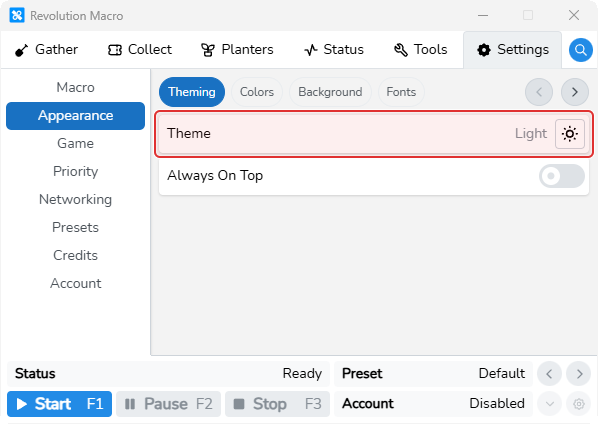
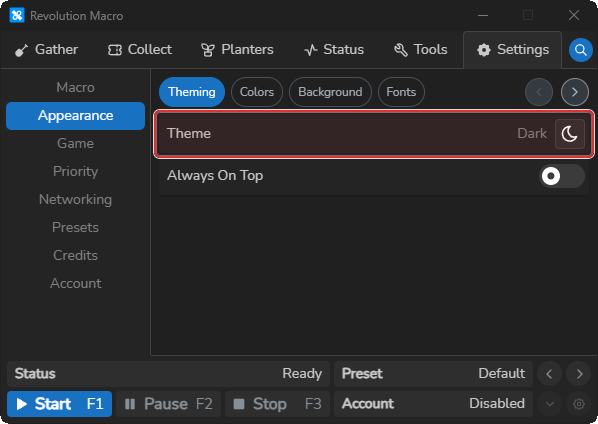
Open Settings → Appearance → Theming.
Theme shows Light or Dark with a sun/moon button.
-
Click the sun/moon Theme button.
Theme flips between Light and Dark and the window chrome updates to match.
If you never set Theme, the app follows your system light/dark preference until you toggle Theme.
Custom background
Section titled “Custom background”-
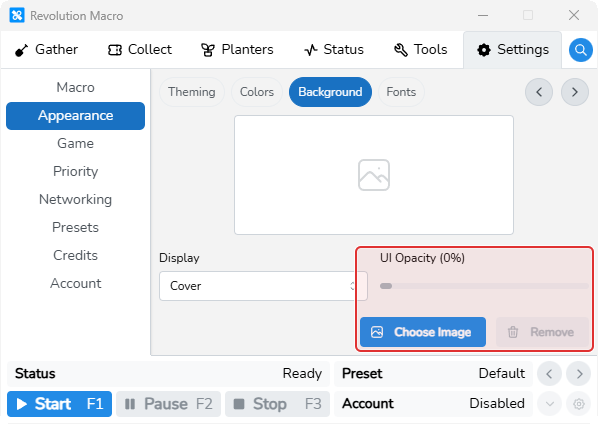
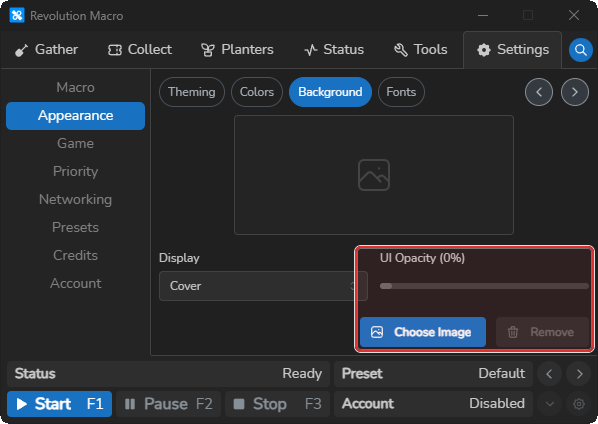
Open Settings → Appearance → Background.
You see a preview area, Display, UI Opacity, Choose Image, and Remove.
-
Click Choose Image and pick a png, jpg, jpeg, gif, or webp file.
The preview updates and Display and UI Opacity become usable.
-
Set Display (Cover, Fit, Stretch, Tile, or Original size) and drag UI Opacity (50–100%).
The background sizing changes and panels become more or less transparent over the image.
-
Click Remove if you want the default look back.
The preview clears and UI Opacity disables.
More settings
Section titled “More settings”Default empty (follows your system light/dark preference). Options are Light and Dark. Changes the window chrome between light and dark.
Display
Section titled “Display”Default Cover. Options are Cover, Fit, Stretch, Tile, and Original size. Chooses how the custom background image fills the window. Unknown values fall back to Cover.
UI Opacity
Section titled “UI Opacity”Default 85%. Range 50–100%. Sets how transparent the panels are over the custom background. Stays disabled until a background image is set.
Choose Image and Remove
Section titled “Choose Image and Remove”Choose Image opens a file picker for png, jpg, jpeg, gif, or webp. Remove clears the saved background. Custom backgrounds need Revolution Pro.
Colors and Fonts
Section titled “Colors and Fonts”Colors and Fonts are separate tabs on the same Appearance page as Theming and Background.