
Memory Match in Bee Swarm Simulator
Memory Match is a mini-game that awards loot like Star Treats, tickets, and field boosts. Revolution plays the Basic, Mega, Extreme, or Winter types you enable as soon as they are ready. It skips loot you disable and pairs high-priority targets when they show up. This guide covers the settings on Collect → Memory Match.
Before you start
Section titled “Before you start”- You can find Memory Match at Collect → Memory Match, a separate Collect sidebar page from Collect → Dispensers.
- Basic, Mega, Extreme, and Winter each have their own Enabled switch. Leave types you do not want off (default).
- You can find global loot filters on General (Disabled Loot and High-Priority Loot). Per-type skips are on each type tab under Enabled Loot.
- If you enable Memory Match, check Disabled Loot for stacks you already max or loot you never want matched.
-
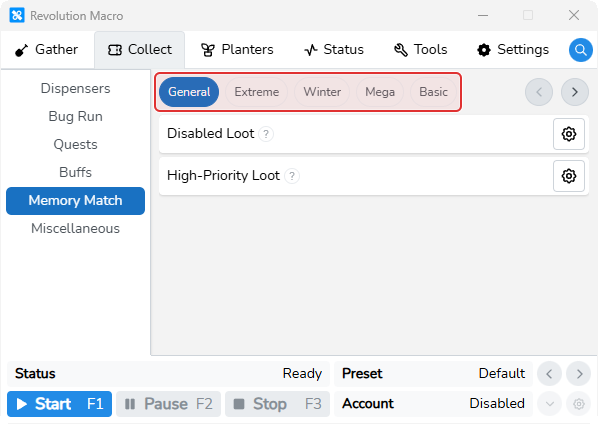
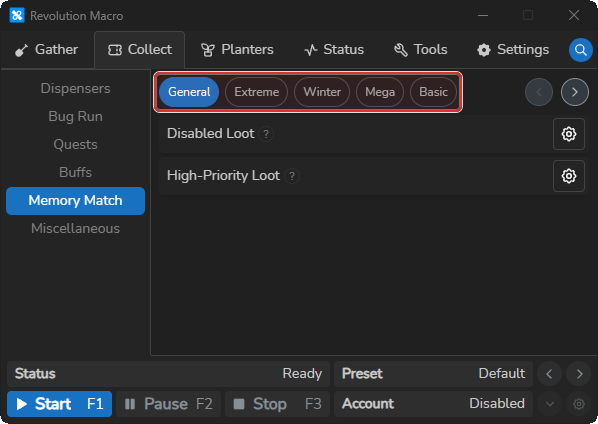
Open Collect → Memory Match. You see tabs General, Extreme, Winter, Mega, and Basic.
-
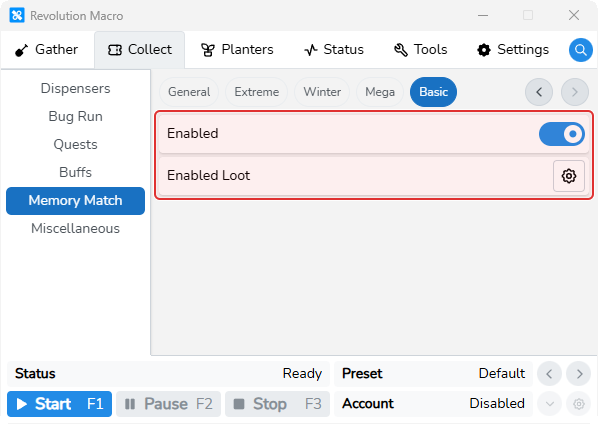
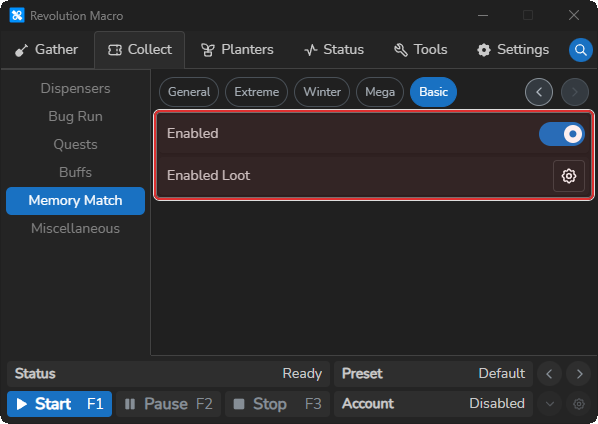
Open the type tab you want (for example Basic) and turn Enabled on. Leave Enabled off on other types unless you want those types too.
-
Optionally click Enabled Loot on that tab and uncheck loot you want skipped for that type only. Unchecked tiles look dimmed in the modal.
-
Open General and optionally set Disabled Loot or High-Priority Loot. Leave High-Priority Loot at defaults (Star Treat, Festive Bean, Super Smoothie) unless you want different rare targets.
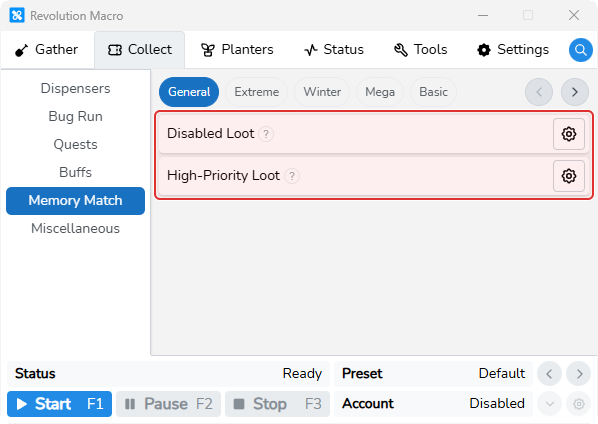
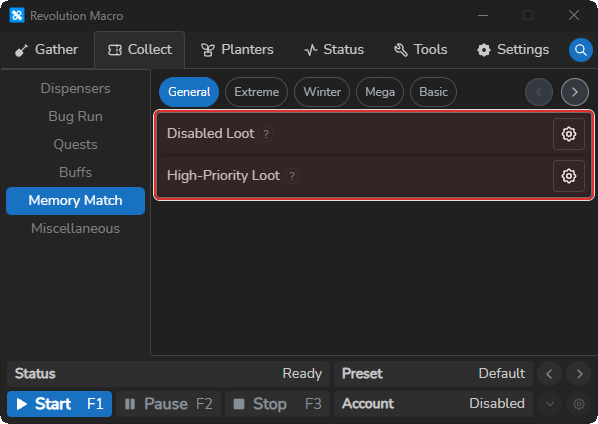
-
Start the macro and wait until that type is off cooldown. Status shows
Collecting: Basic Memory Match(or the enabled type name) while Memory Match plays.
More settings
Section titled “More settings”Enabled
Section titled “Enabled”Turns that Memory Match type on or off for the scheduler. Default is off. Enable each type you want played on its cooldown.
After a successful collection:
- Basic retries about every 2 hours
- Mega and Winter retry about every 4 hours
- Extreme retries about every 8 hours
Enabled Loot
Section titled “Enabled Loot”Per-type loot list for that Memory Match type. Unchecked loot is skipped when pairing on that type only. Global Disabled Loot still applies. Open Enabled Loot on a type tab and uncheck loot you want that type to skip.
Disabled Loot
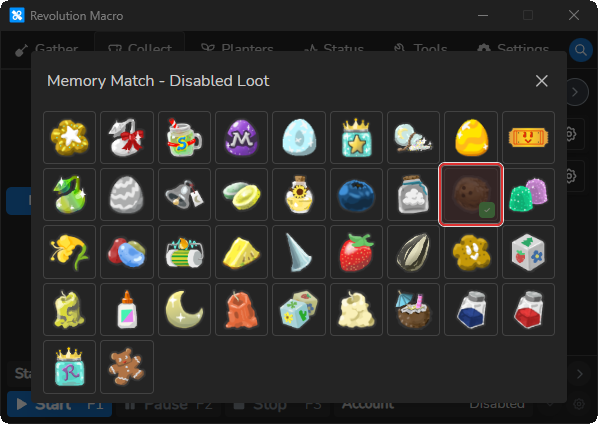
Section titled “Disabled Loot”Loot grid for skips on every Memory Match type. Checked loot is never matched when found. Only checked and named rows count. Known pairs of disabled loot are not clicked for a match.
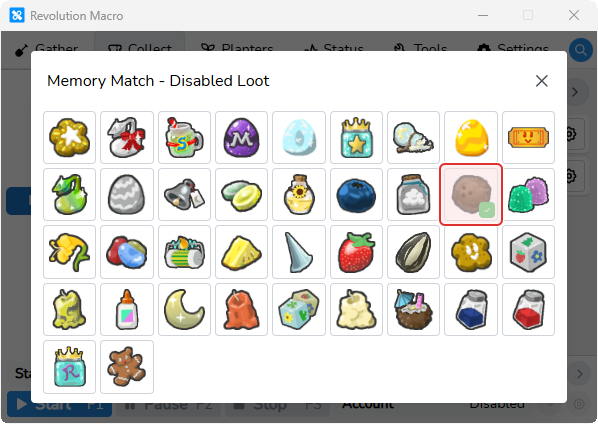
High-Priority Loot
Section titled “High-Priority Loot”Loot you want paired aggressively. Star Treat, Festive Bean, and Super Smoothie are checked by default. Checked rows add targets. Unchecked defaults remove them. When Revolution reveals a high-priority loot tile, it searches for the matching tile until that pair is found. On the last turn, it also prioritizes any known high-priority loot still on the grid. This does not schedule Memory Match.
Troubleshooting
Section titled “Troubleshooting”Status shows On Cooldown or Memory Match never plays
Section titled “Status shows On Cooldown or Memory Match never plays”Cause: Enabled is off for that type, or that type is still inside its cooldown after a successful collection.
Fix:
- Open the type tab under Collect → Memory Match and confirm Enabled is on.
- If Status shows
Basic Memory Match On Cooldown(or the matching type name), wait for that type’s interval (Basic about 2 hours, Mega or Winter about 4 hours, Extreme about 8 hours) or confirm Memory Match is ready in-game. - Leave Enabled off on types you do not want scheduled.
Failed To Detect Tiles, Grid Closed During Reveal, or the game aborts after about 5 minutes
Section titled “Failed To Detect Tiles, Grid Closed During Reveal, or the game aborts after about 5 minutes”Cause: The Memory Match grid was not readable, closed mid-reveal, or the game ran longer than about 5 minutes.
Fix:
- Let the macro retry when Memory Match is fully open and stable in-game.
- Check the log for
Failed To Detect TilesorGrid Closed During Revealon the failed run. - If the log shows
Memory match: exceeded 5m game time, redirecting, let Revolution reopen Roblox and wait for the next cooldown attempt.
Macro matches or skips the wrong loot
Section titled “Macro matches or skips the wrong loot”Cause: That loot is not checked under Disabled Loot, or it is still checked under the type’s Enabled Loot.
Fix:
- Open Collect → Memory Match → General → Disabled Loot and check loot you never want matched on any type.
- For type-only skips, open that type’s Enabled Loot and uncheck the loot to skip.
- High-Priority Loot only changes which loot Revolution pairs aggressively when revealed. It does not schedule Memory Match or skip loot. Use Disabled Loot or Enabled Loot for skips.
More help
- Automate dispensers and wealth clock: fruit, Wealth Clock, and Glue
- Beesmas collectables: seasonal collectables