
Install on Windows for Bee Swarm Simulator
Revolution Macro is a stand-alone Windows executable. Download the latest build from GitHub Releases, place RevolutionMacro.exe in a dedicated folder on your PC, and launch it from there.
Before you start
Section titled “Before you start”- You need a normal Windows user account that can write to the install folder.
-
Download the latest RevolutionMacro.exe from GitHub Releases.
-
Create a dedicated folder (for example
C:\RevolutionMacro) and place RevolutionMacro.exe inside it. If you downloaded a zip, extract it fully first. Do not run the exe from inside the archive, and do not run it in Downloads. -
Double-click RevolutionMacro.exe and allow the Windows Firewall prompt if it appears. The Revolution window opens.
-
Check Status. It should be ready, not stuck on
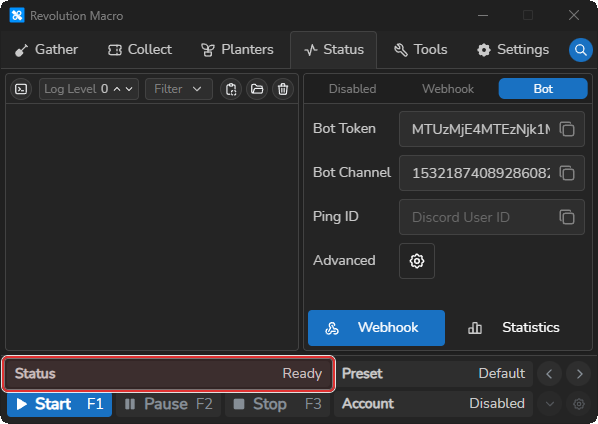
Access is deniedor a blank window. When Status is ready, the install succeeded.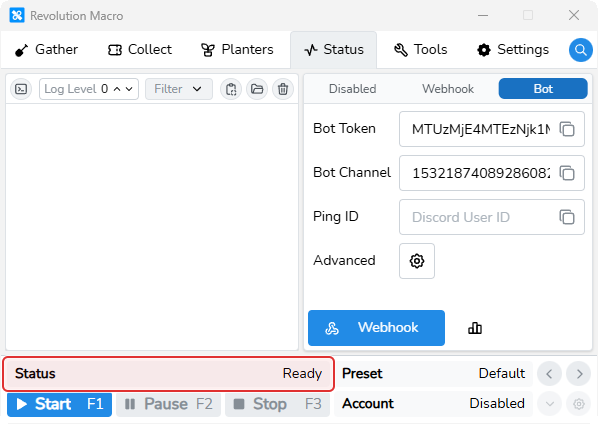
Troubleshooting
Section titled “Troubleshooting”If Status shows Access is denied, settings reset when you close the app, or Windows blocks the install folder, see Install and permission problems. If Status shows an error when you try to use the macro, or gathering will not start, see Detection problems.