
Auto-Jelly for Bee Swarm Simulator
Royal jelly is how you replace a bee or look for a better mutation, but repeated rolls are easy to lose track of. Revolution Macro keeps rolling until it finds a bee that matches the filters you choose. This guide covers Tools → Auto-Jelly.
Before you start
Section titled “Before you start”- You can find Auto-Jelly at Tools → Auto-Jelly, not under Gather or Collect.
- Feed Neon Berries on the bee slot you plan to jelly before you start rolling.
- Have royal jelly ready to use on a radioactive bee and confirm Yes in-game when prompted.
-
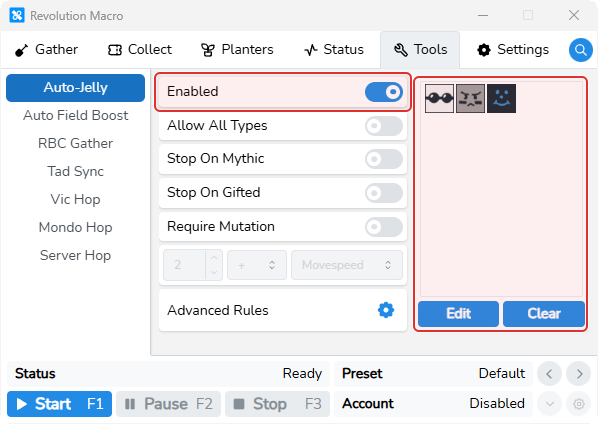
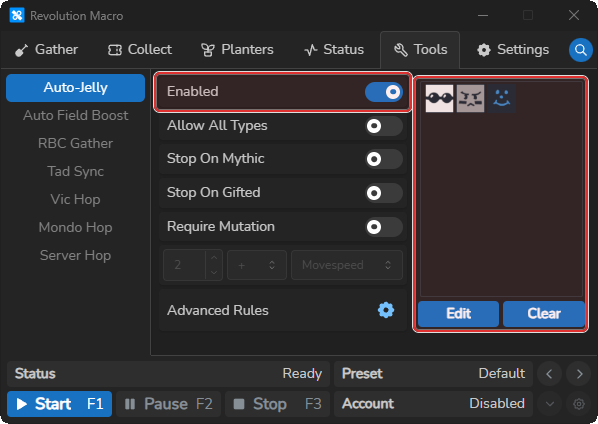
Open Tools → Auto-Jelly. Turn Enabled on and click Edit to choose the bees that should stop the roll.
-
Feed Neon Berries on the bee you will jelly. Start the macro with Auto-Jelly still enabled. Use royal jelly on a radioactive bee and confirm Yes in-game.
-
Leave the mouse on the jelly target while it rolls. Status shows
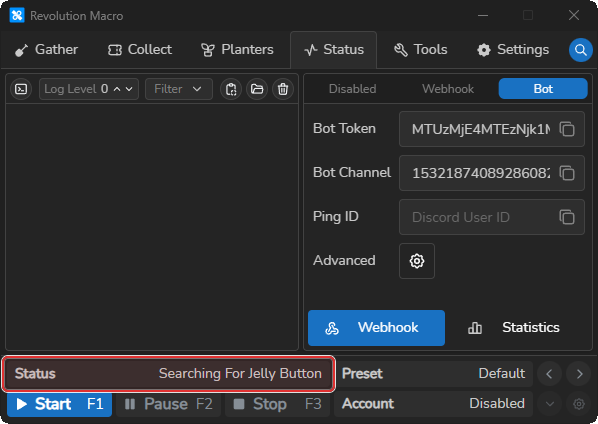
Searching For Jelly Button, thenJelly Button Found.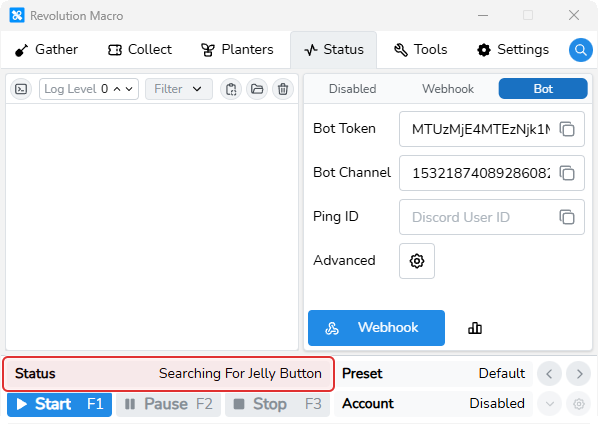
-
When a roll matches your filters, Auto-Jelly pauses. Resume it to keep rolling or stop the macro.
More settings
Section titled “More settings”Enabled
Section titled “Enabled”Turns Auto-Jelly on for this account. Enable it only when you are ready to roll royal jelly, then turn it off before normal farming.
Bee Types
Section titled “Bee Types”Sets the bee types that count as a match. Edit adds bee types, Clear removes them, and Allow All Types selects every type. When this list has entries, Auto-Jelly stops only on those bee types.
Stop On Gifted
Section titled “Stop On Gifted”When Require Mutation is off, treats a gifted roll as a match.
Stop On Mythic
Section titled “Stop On Mythic”When Require Mutation is off, treats any mythic roll as a match.
Require Mutation
Section titled “Require Mutation”Requires a matching mutation type and value before Auto-Jelly stops. When this is on, Stop On Gifted and Stop On Mythic do not decide a match by themselves.
Mutation
Section titled “Mutation”Sets the mutation type and minimum value that Auto-Jelly accepts. Choose a type and value after enabling Require Mutation. A rolled value at or above that number matches.
Advanced Rules
Section titled “Advanced Rules”Lets you add up to six separate matching rules with their own bee types, mutations, and Gifted or Mythic choices. Use these rules when you want to keep several different outcomes.
Troubleshooting
Section titled “Troubleshooting”If Auto-Jelly pauses, return the mouse to the jelly target and resume it. If your target uses a mutation, reapply radioactivity before you restart the roll. For problems where the macro cannot read the game, see Detection problems.
More help