
Set up RBC alt gather in Bee Swarm Simulator
Robo Bear Challenge rounds may require you to move alts to quests that need them for pollination, enabling you to complete the requirements easily. Revolution Macro can automatically send your alt accounts to the fields instead of you moving them yourself manually. This guide covers Tools → RBC Gather.
Before you start
Section titled “Before you start”- Connect every account on the same relay first (Connect accounts with relay). People should show Connected before you enable RBC Gather.
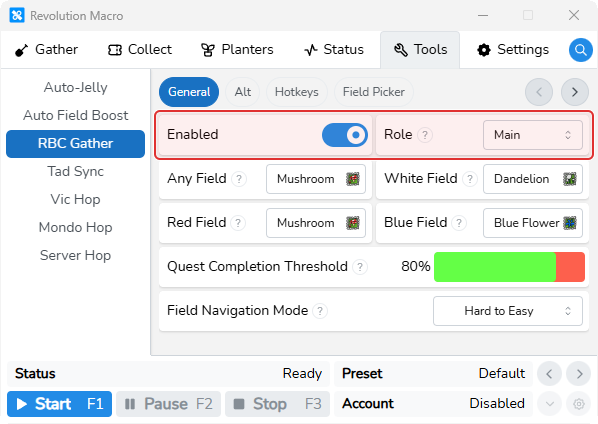
- You can find RBC Gather at Tools → RBC Gather. Set Role to Main on the quest account and Fuzzy Alt on gather alts.
- Match Private Server Link on Main and each Fuzzy Alt under Settings → Game → Join.
Each Fuzzy Alt
Section titled “Each Fuzzy Alt”- Open Tools → RBC Gather → General. Turn Enabled on and set Role to Fuzzy Alt.
Main account
Section titled “Main account”-
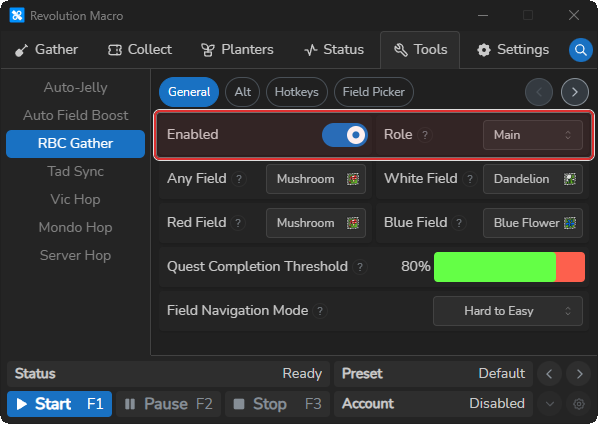
Open Tools → RBC Gather → General. Turn Enabled on and set Role to Main.
-
Open Settings → Game → Join on Main and each Fuzzy Alt. Set the same Private Server Link on every account.
Confirm
Section titled “Confirm”- Start the macro on Main and each Fuzzy Alt during RBC. Main waits for the quest screen, then the alts rejoin Main’s server and travel to their assigned fields.
Move alts with Field Picker
Section titled “Move alts with Field Picker”Use Field Picker when you want to place Fuzzy Alts yourself. Set Field Navigation Mode to Manual under Tools → RBC Gather → General if you do not want automatic quest moves.
-
Open Tools → RBC Gather → Field Picker on Main.
-
Bind each Fuzzy Alt. Hover an alt square on the left, click the search button, and pick that alt’s identity from the connected People list.
-
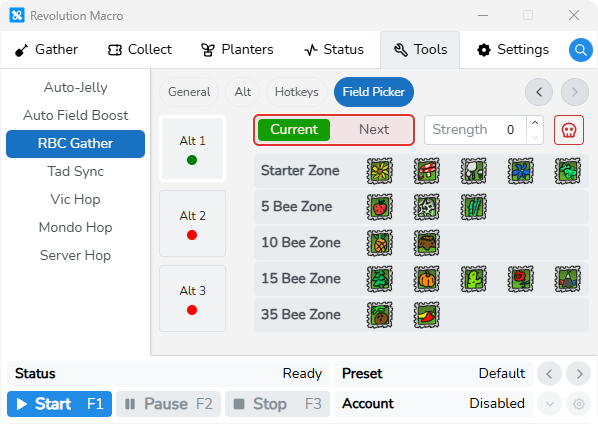
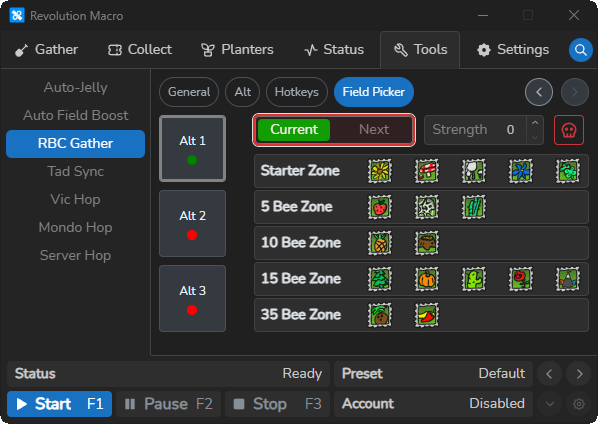
Select the alt you want to move. The field grid appears with Current, Next, and Strength.
-
Choose Current, then click a field. That Fuzzy Alt moves there immediately.
-
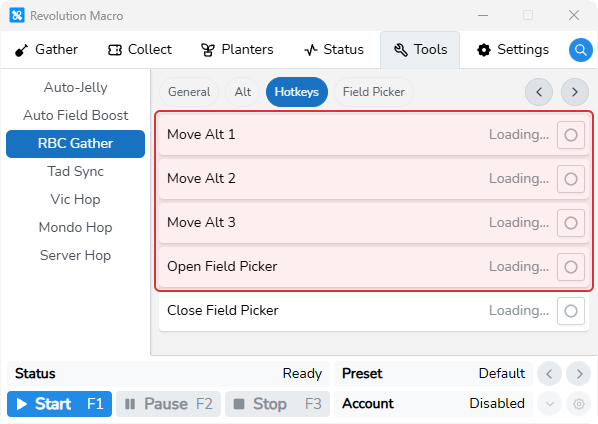
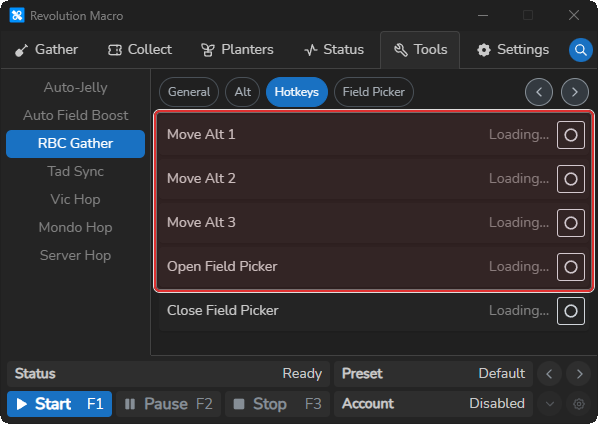
Choose Next, click a field to queue it, then press the Move Alt hotkey for that alt under Tools → RBC Gather → Hotkeys.
Automatic quest field moves
Section titled “Automatic quest field moves”Set Field Navigation Mode to Hard to Easy or Easy to Hard, then set Quest Completion Threshold above 0. After Detect Quests After Round, Main assigns alts automatically from the quest screen.
More settings
Section titled “More settings”Enabled
Section titled “Enabled”Turns RBC Gather on for this account. Enable it on Main and every Fuzzy Alt after they join the same relay. RBC Gather cannot run with Mondo Hop, Vic Hop, or Tad Sync on the same account.
Tools → RBC Gather → GeneralMain reads RBC quests and directs the alts. Fuzzy Alt follows Main’s server and field assignments. A Fuzzy Alt that is not in Main’s server rejoins it through the relay.
Any Field
Section titled “Any Field”Default field for Any Pollen or Goo quests (default Mushroom). Change it when auto detection sends alts to the wrong fallback. When both a named-field quest and an Any or Goo quest are active, auto moves prefer the specific field.
White Field
Section titled “White Field”Default field for White Pollen quests (default Dandelion).
Red Field
Section titled “Red Field”Default field for Red Pollen quests (default Mushroom).
Blue Field
Section titled “Blue Field”Default field for Blue Pollen quests (default Blue Flower).
Quest Completion Threshold
Section titled “Quest Completion Threshold”Sets the quest progress at which Main can make the next automatic alt move. The default is 80%. Set it above 0 to use progress-based moves, or lower it to move alts earlier.
Field Navigation Mode
Section titled “Field Navigation Mode”Manual turns off automatic field moves so you place alts from Field Picker. Easy to Hard and Hard to Easy order quest fields by difficulty for automatic moves. The default is Hard to Easy. This setting affects RBC Gather only.
Rejoin Server On Reset
Section titled “Rejoin Server On Reset”Makes a Fuzzy Alt rejoin the server when it resets instead of respawning at its hive. Turn it on when an alt cannot reach its next field.
Disable Reset When Navigating
Section titled “Disable Reset When Navigating”Makes a Fuzzy Alt walk to its next field without resetting.
Maximum Alts On Field
Section titled “Maximum Alts On Field”Sets how many alts automatic quest detection can place on one field. The default is 2.
Detect Quests After Round
Section titled “Detect Quests After Round”Sets the first RBC round where Main begins automatic quest detection and alt moves. The default is 5.
Troubleshooting
Section titled “Troubleshooting”If an alt joins the wrong server or does not move to its field, make sure every account uses the same Private Server Link, relay, and role, and that each Fuzzy Alt is bound on Field Picker. For relay problems, see Relay and connection problems.
More help
- Connect accounts with relay for relay setup
- Relay and connection problems for relay problems