
Your first Bee Swarm Simulator gather session
You’ve got Revolution installed. Follow the steps below to set up gathering so you can start farming honey. During a normal gathering cycle, the macro goes to the field, gathers using a pattern, fills your backpack, and then goes back to your hive to convert it into honey.
Before you start
Section titled “Before you start”- Finish Install and first run (Windows) or Install and first run (macOS) so your macro is ready to claim your hive and start gathering honey.
Configuring a single field to gather in and your player’s walkspeed is enough to get started.
-
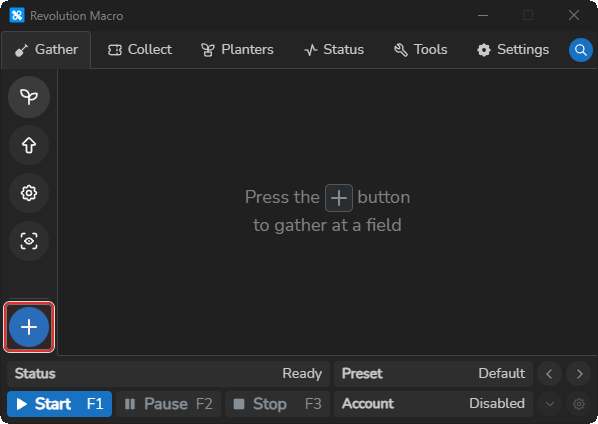
Open Gather → Fields. With no fields configured, you see
Press the + button to gather at a field.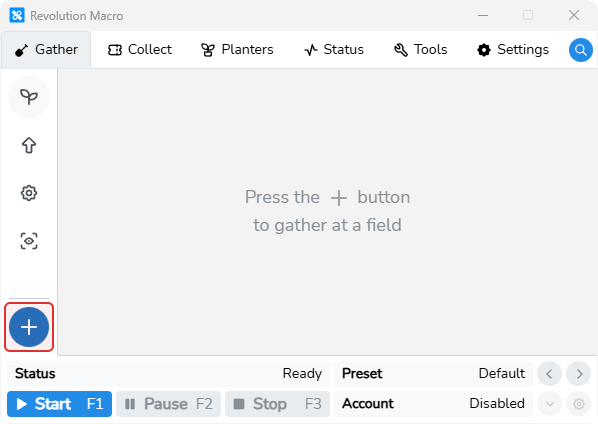
-
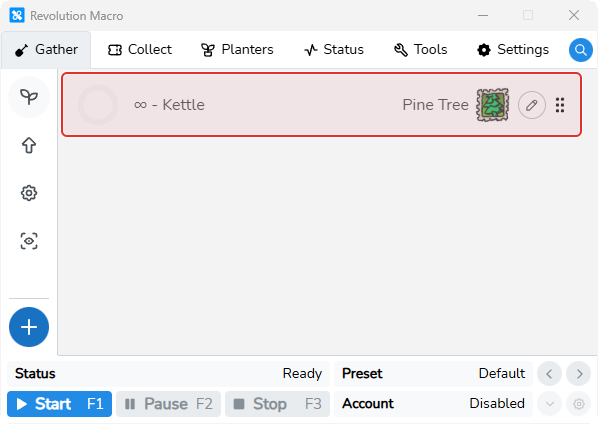
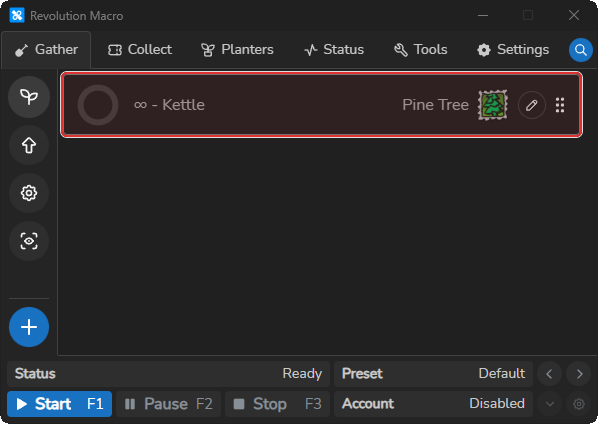
Click + Add Field and pick one field (for example Pine Tree). A field card appears in the list.
-
Copy the recommended Kettle configuration for Pine Tree to your clipboard:
{"position":"bottom-right","length":1,"width":1,"distance":5,"pitch":3,"backpackPercent":95,"seconds":600,"shiftLock":true,"walkReturn":true,"gatherPattern":"Kettle","field":"pinetree"}This starter configuration recommends 95% Max Backpack. Pine Tree’s built-in field default is 97%.
-
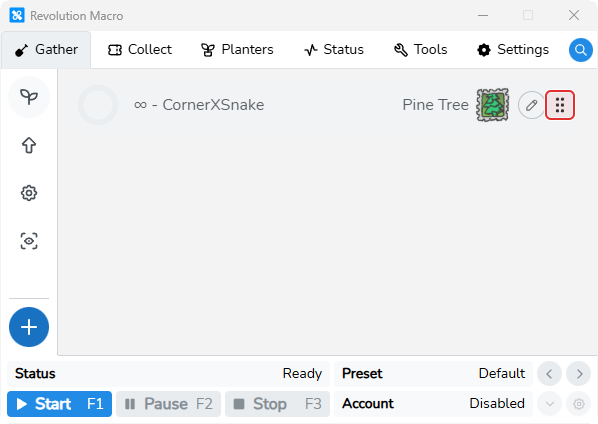
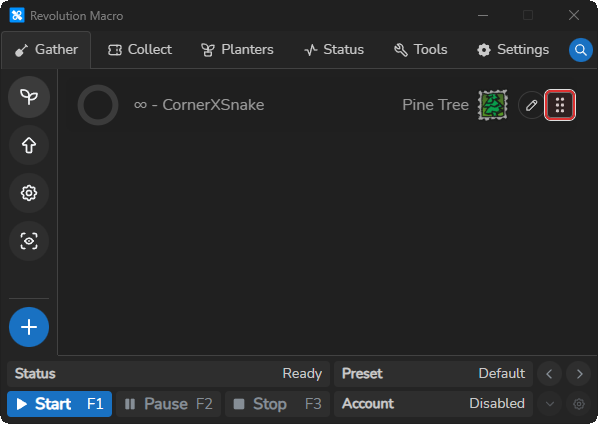
On the Pine Tree field card, click the grip icon (six vertical dots).
-
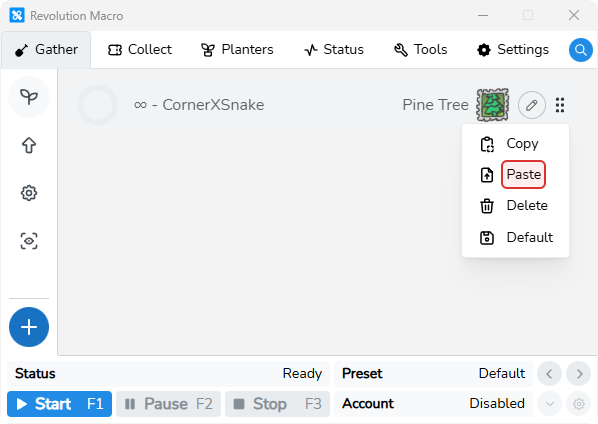
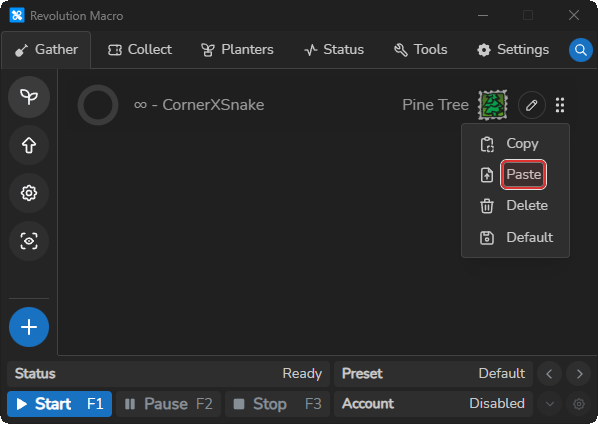
Choose Paste. Revolution will read what’s on your clipboard. There is no separate dialog.
-
After pasting, the field card should show Kettle with the configuration above. You can learn how to adjust pattern shape, size, backpack settings, and more on Choose fields and patterns.
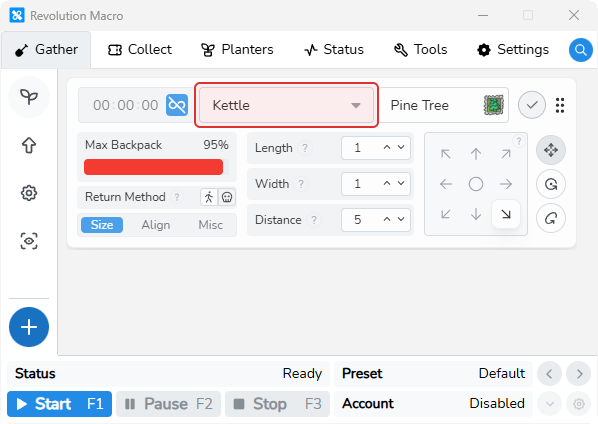
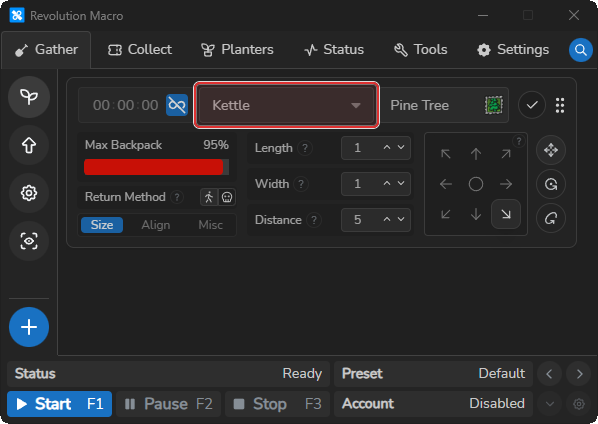
-
Open Gather → Settings → General and set Sprinkler Type to match your in-game sprinkler.
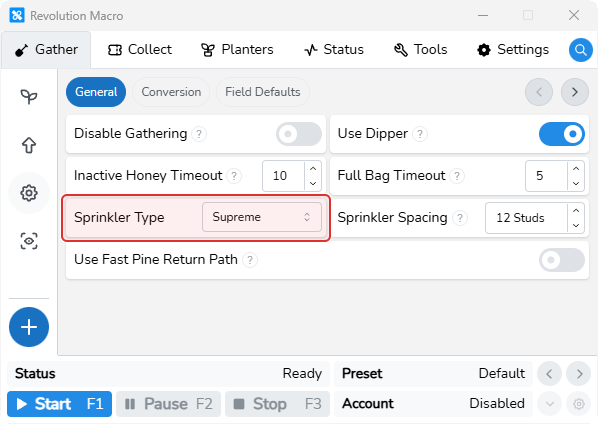
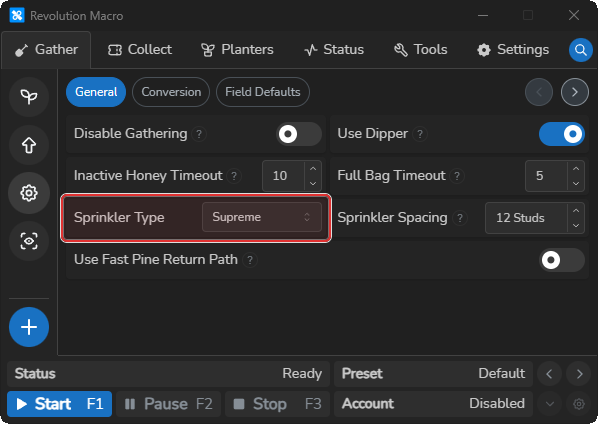
-
Open Settings → Game → Movement and set Player Movespeed to your in-game walk speed with no speed buffs.
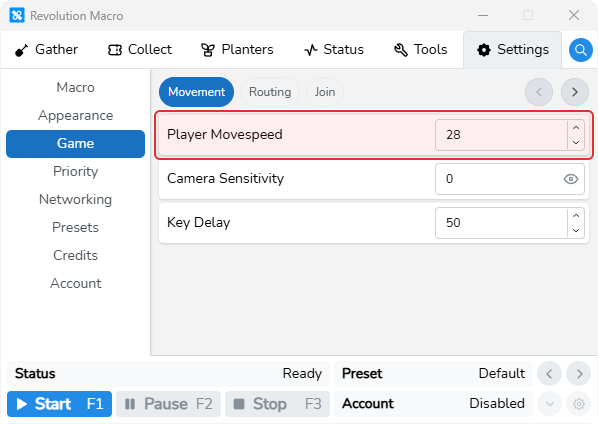
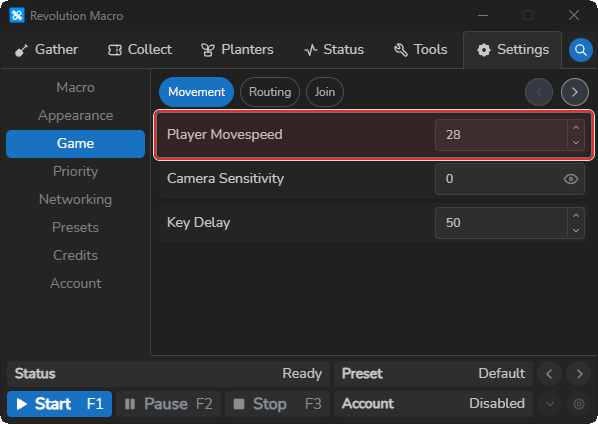
-
Start the macro. It will go to the field, gather using a pattern, fill your backpack, and then go back to your hive to convert it into honey.
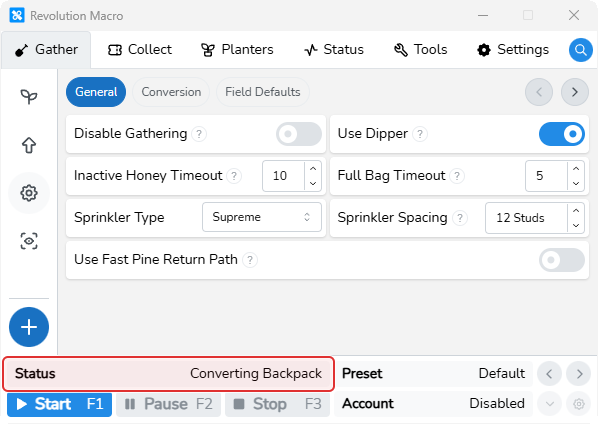
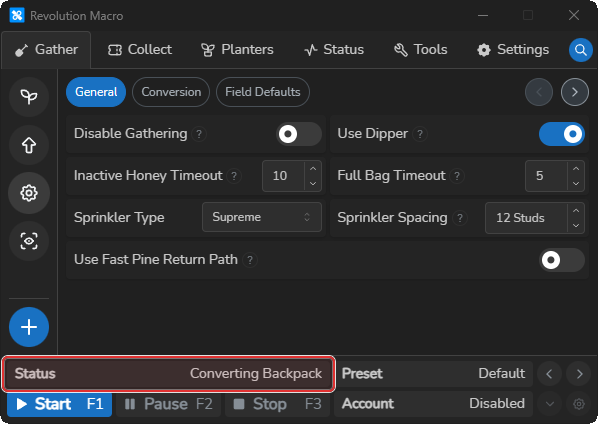
Where to go next
Section titled “Where to go next”Keep gathering in one field until you’re ready to start using more features in Revolution Macro. Then see Set up AI Gather. Change convert timers and other gather options on Gather settings. You can also set up Automate dispensers and wealth clock and Automate quests. If you’re an end-game player with tad alts, see Set up Tad Sync.
If you have not added a field yet, the macro idles and waits at the hive. It will not show an error message. If the macro sits at the hive and does nothing after you add a field, never leaves the field, or pathing fails, see Macro resets or gets stuck. For detection problems, see Detection problems.