
Game settings for Bee Swarm Simulator
You can find hive claim, Player Movespeed, and map routing under Settings → Game. These settings decide which hive the macro claims and how it travels between the hive, fields, and other stops. Capture, load timeout, and diagnostics are under Settings → Macro — see Capture and diagnostics.
Open Settings → Game → Join before you gather or run multi-account tools. The macro uses this tab when it joins Bee Swarm and claims a hive.
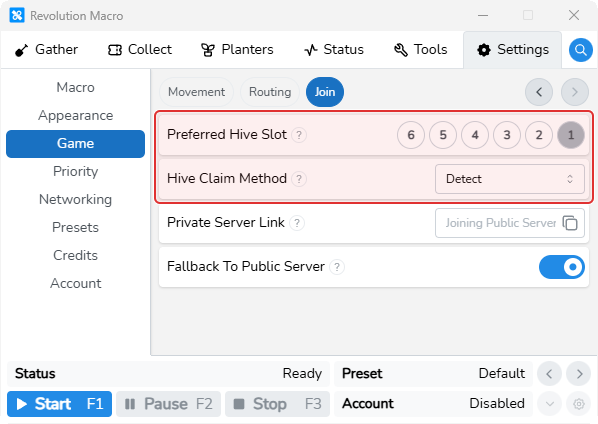
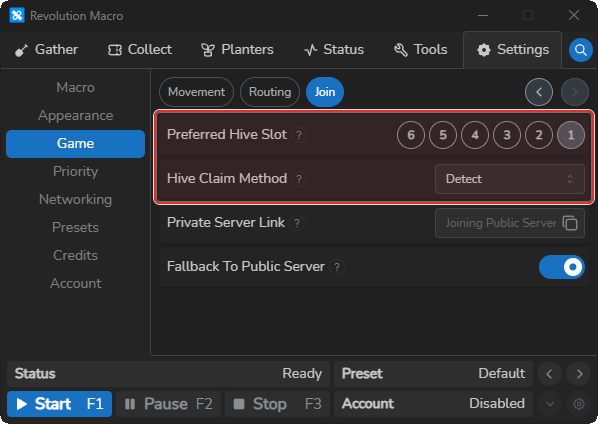
Preferred Hive Slot defaults to 1. Set it to the hive you usually want (1–6). Hive Claim Method defaults to Detect, which estimates free slots from spawn. Switch to Check only if Status shows Failed to claim hive! or the macro keeps claiming the wrong slot. After a good join, Status can show Hive Detected or Claimed Hive.
Paste a Private Server Link when you want a private server. Leave it empty for public. Match the same link on every account for RBC. Fallback To Public Server is on by default. Leave it on unless you must remain private-only.
Movement
Section titled “Movement”Open Settings → Game → Movement and set Player Movespeed to your unbuffed Bee Swarm character speed from the in-game stats menu. That is the Movement setting most players need to change. When movespeed is wrong, the macro mis-times walks: pathfinding misses corners and stops, and sprinklers can land off pattern.
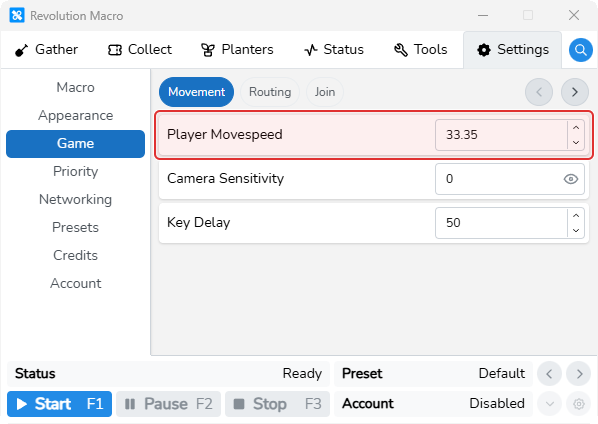
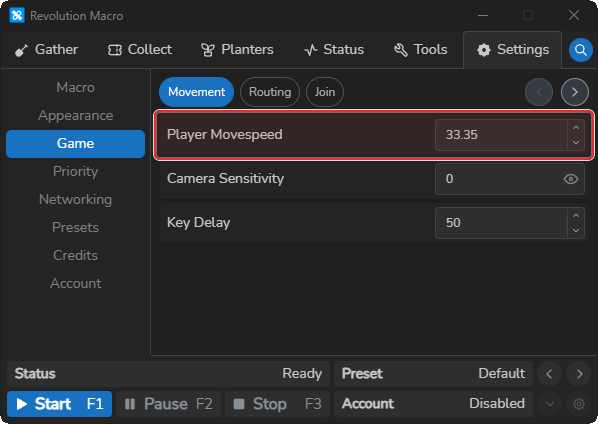
If walks or sprinklers still look wrong after you match movespeed, check field pattern settings on Choose fields and patterns.
Routing
Section titled “Routing”Open Settings → Game → Routing. When the macro travels between the hive, fields, red cannon, and other map points, these settings choose the path, how strictly it lines up on corners, and whether a character reset is worth taking.
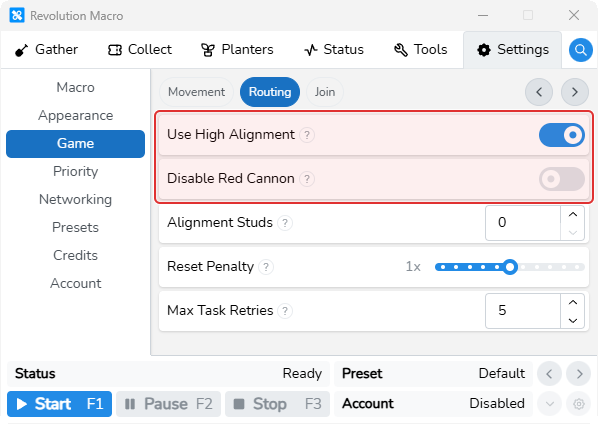
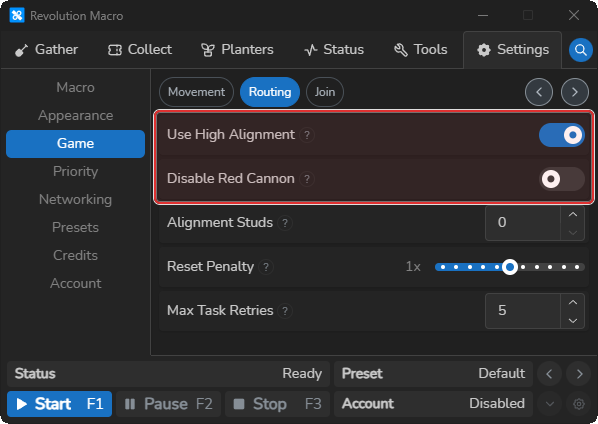
Use High Alignment is off by default. When on, the macro takes safer corner and wall routes and skips glider shortcuts on long legs. Turn it on when walks feel unreliable. When Roblox FPS under Settings → Macro → Capture is 30 or below, high alignment stays on and you cannot turn the switch off. Raise FPS there if you need it off (see Capture and diagnostics).
Disable Red Cannon is off by default. When on, the macro walks the map instead of using the red cannon. Turn it on when cannon travel fails on your setup.
Alignment Studs, Reset Penalty, and Max Task Retries fine-tune pathfinding. Defaults work for most accounts. Change them only when walks overshoot corners, the macro resets too often or too rarely, or a task keeps failing and getting skipped.
More settings
Section titled “More settings”Preferred Hive Slot
Section titled “Preferred Hive Slot”Default 1. When open hives are detected from spawn, the macro prefers this slot (1–6). Otherwise it takes the first open hive.
Hive Claim Method
Section titled “Hive Claim Method”Default Detect. Detect estimates free slots from spawn. Check walks each hive slot to verify it is open. Use Check when Detect claims the wrong hive or Status shows Failed to claim hive!.
Private Server Link
Section titled “Private Server Link”Empty joins a public server (placeholder Joining Public Servers). Paste a link or share code for a private server. Match the same link on main and alts for RBC.
Fallback To Public Server
Section titled “Fallback To Public Server”Default on. When private joins keep failing, the macro can fall through toward public-server retries. Turn off only if you must stay private-only. Failed private joins can show Waiting 10 seconds before retrying.
Player Movespeed
Section titled “Player Movespeed”Base character speed for walk timing. Match your unbuffed Bee Swarm speed from the in-game stats menu. Change this first when pathfinding misses corners or sprinklers land off pattern.
Key Delay
Section titled “Key Delay”Default 50 ms between key down and key up. Raise it if inputs are missed at low FPS.
Camera Sensitivity
Section titled “Camera Sensitivity”Default Auto-Detect. Leave it there unless camera turns need a fixed value.
Use High Alignment
Section titled “Use High Alignment”Default off. When on, the macro uses safer corner and wall routes and skips glider shortcuts on long legs. Forced on when Roblox FPS is 30 or below.
Disable Red Cannon
Section titled “Disable Red Cannon”Default off. When on, the macro walks the map instead of using the red cannon.
Alignment Studs
Section titled “Alignment Studs”Default 0. Extra studs walked when aligning to corners on the map (one flower tile is 4 studs). Raise it if corner alignment stops short.
Reset Penalty
Section titled “Reset Penalty”Default 1x. Higher values make the macro prefer routes that avoid character reset. Lower values reset and use the cannon more often.
Max Task Retries
Section titled “Max Task Retries”Default 5. How many times a task can fail before the macro skips it for the rest of the session. Raise it if useful tasks get skipped too early. Lower it if a broken task keeps blocking the queue.