Vic Hop not finding Vicious Bees
Vic Hop can fail because of detection problems, your Roblox launcher, or your relay. If it rejoins before Roblox loads, fights with Server Hop, or your Searcher does not sync Main, one of those problems may be blocking it. This guide covers common fixes that may resolve those problems.
Before you start
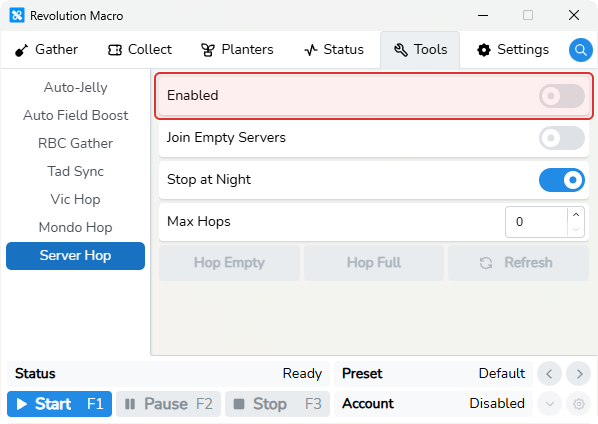
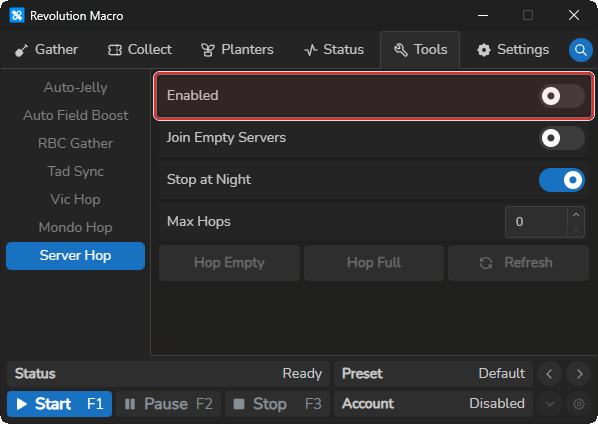
Section titled “Before you start”Match your setup to the Main path first on Set up Vic Hop. Leave standalone Tools → Server Hop → Enabled off while Vic Hop runs. Vic Hop has its own Server Hop switch on Tools → Vic Hop → General.
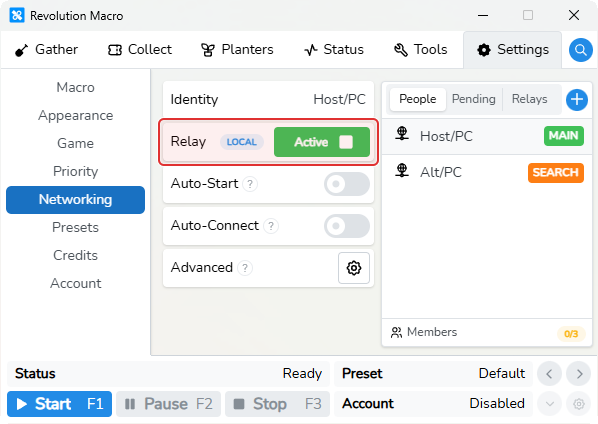
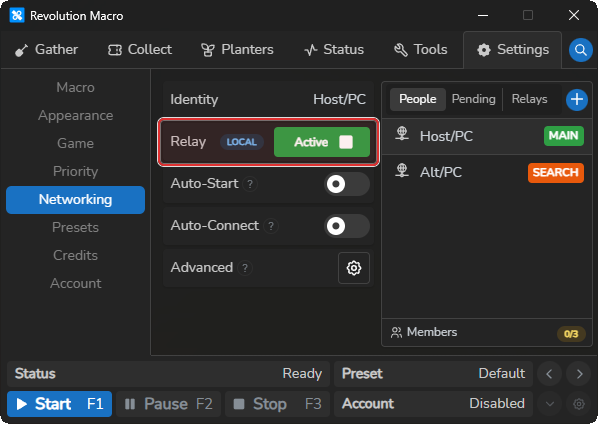
If you run Searcher alts, connect every account under Settings → Networking so the relay shows connected people before you start macros. Vic Hop reads the loading screen during hops. Finish Detection problems (Before you start) before tuning hop timeouts.
Vic Hop rejoins before Roblox finishes loading
Section titled “Vic Hop rejoins before Roblox finishes loading”Cause: The macro can’t read the loading or join screen, so it closes Roblox and retries early. Status may show Server Hop Timed Out!.
Fix:
- Complete Detection problems.
- Close and reopen the macro.
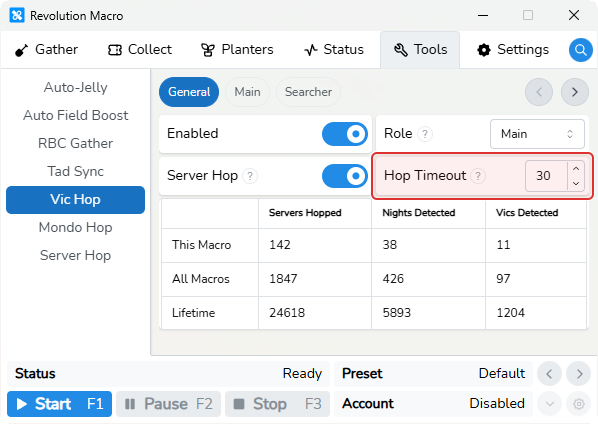
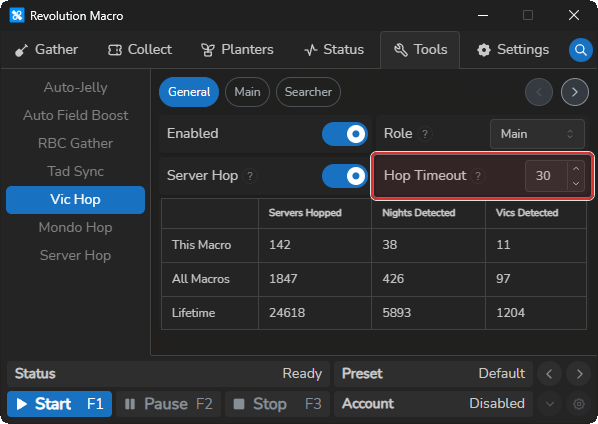
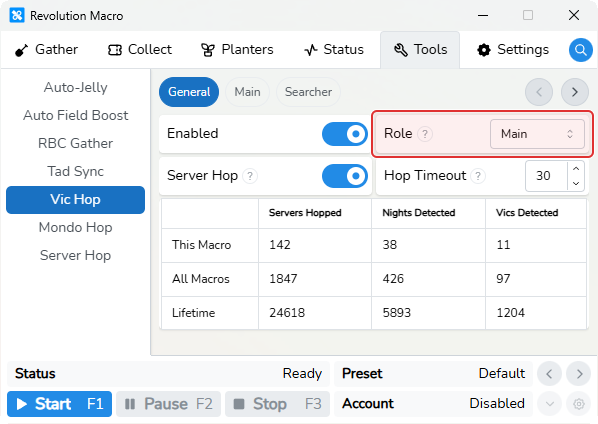
- If hops are still too aggressive, raise Tools → Vic Hop → General → Hop Timeout (for example, about 50 seconds). The default is 30 seconds.
- If the log shows non-English text, fix Roblox language and check device or OS language too.
- If Status shows
Game Load Timeout Exceeded, see Roblox launcher loops for Load Timeout.
Vic Hop pauses or fights with Server Hop
Section titled “Vic Hop pauses or fights with Server Hop”Cause: You have both Vic Hop and the standalone Tools → Server Hop tool turned on. Their night rules differ. Standalone Stop at Night pauses, while Vic Hop keeps searching on day.
Fix:
- Open Tools → Server Hop and turn Enabled off while Vic Hop runs.
- Confirm Tools → Vic Hop → General → Role and Server Hop. Only Vic Hop’s own Server Hop toggle decides Vic Hop hopping.
Searcher never syncs Main / Synchronization timed out
Section titled “Searcher never syncs Main / Synchronization timed out”Cause: Searcher alts must use Role Searcher and share a relay with Role Main. If sync fails, logs can show Synchronization timed out.
Fix:
- On every account, open Tools → Vic Hop → General and confirm Role. Set Main on the killer and Searcher on each alt.
- Open Settings → Networking on all accounts and confirm the same relay is active with connected people. See Connect accounts with relay.
- Start macros on Main and Searchers only after the relay is connected.
Joins servers on the wrong account
Section titled “Joins servers on the wrong account”Cause: Account or role binding is stuck or wrong. The main account joins as an alt, or Vic Hop joins servers on the wrong account.
Fix:
- On each account, open Tools → Vic Hop → General and confirm Role (Main on the account that kills, Searcher on alts that find Vicious Bees).
- If the main account still joins servers as an alt after role checks and restarts, uninstall and reinstall Revolution.
More help
Section titled “More help”- Skipping night / battle settings look wrong → Set up Vic Hop
Failed to open Roblox/ stuck on loading → Roblox launcher loopsFailed to load Vic detection model→ Detection problemsFailed to go to field!after a hop → match Player Movespeed, then Detection problems
How Vic Hop works
Section titled “How Vic Hop works”Main kills Vicious. Searchers hop and find Vicious for Main over a relay. For full setup steps and battle controls, see Set up Vic Hop.
- Server Hop on the Vic Hop General tab is Vic Hop’s own toggle. It is not Tools → Server Hop.
- Hop Timeout is the max seconds to wait for a Roblox hop or join before force-close and retry. Raise it if the macro rejoins before loading finishes.
Known limitations
Section titled “Known limitations”- Vic Hop and Tools → Server Hop are separate tools. Leave standalone Server Hop off while Vic Hop runs.
- Searchers need a relay. Sync can time out if Main and Searcher accounts are not connected.
- Non-English Roblox text breaks hop and load detection.
- On macOS, keep Roblox fullscreen off during hops.
If you’re still stuck
Section titled “If you’re still stuck”- Open Status, set Log Level to 4, and click the clipboard icon (Copy Logs).
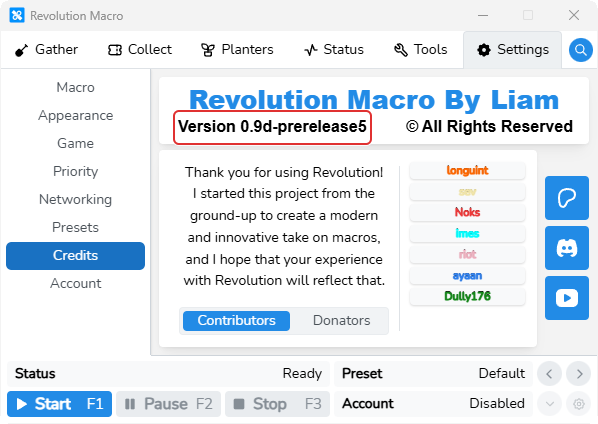
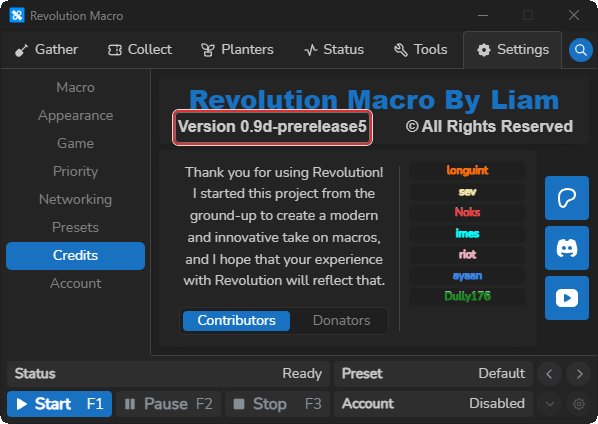
- Include your Revolution version from Settings → Credits.
- Attach a short video of the failure. Never share account credentials.